


Playwright anti detect browser automation fails when scripts trigger detection patterns that manual browsing never would. The difference between successful automation and burned accounts comes down to protocol choice and execution timing.
Key Takeaways:
- Playwright connects to real browsers without modification, avoiding the TLS fingerprint issues that break Selenium with anti-detect tools
- Automation frameworks can manage 50+ browser profiles simultaneously, but execution timing must mimic human patterns to avoid batch detection
- Script-driven profile operations reduce setup time from 45 minutes per profile to under 3 minutes when properly configured
Why Does Playwright Work Better with Anti-Detect Browsers Than Selenium?
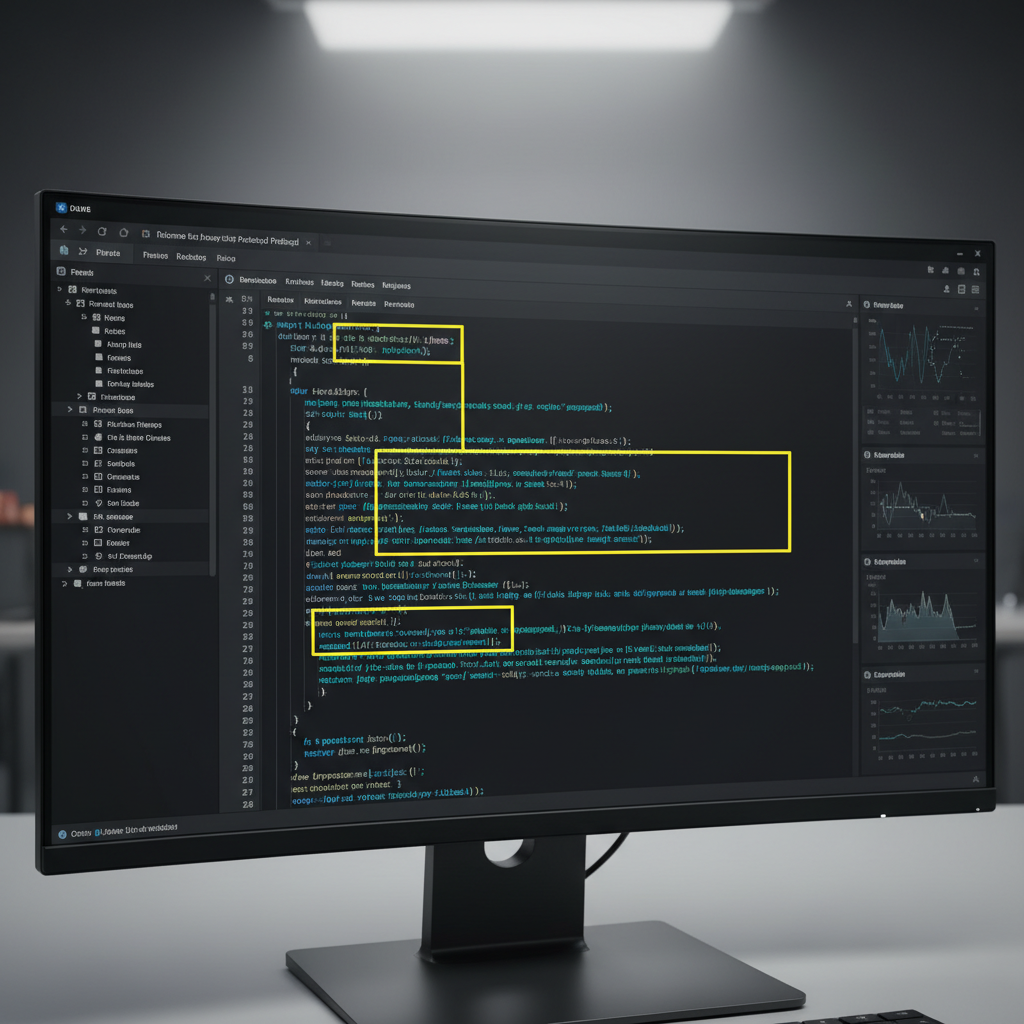
Playwright connects to unmodified browsers through Chrome DevTools Protocol instead of WebDriver’s JSON wire protocol. This architectural difference preserves the browser’s native TLS fingerprint, the transport-layer signature that platforms check before JavaScript detection even runs.
Selenium injects WebDriver objects into the browser environment, creating detectable modifications. Platform detection systems scan for navigator.webdriver properties and other WebDriver artifacts that Selenium can’t fully mask. Playwright bypasses this entire detection surface by attaching to browsers externally without internal modification.
The protocol overhead comparison shows why Playwright scales better for anti detect browser management operations. WebDriver requires multiple round-trip communications for each action, while CDP streams commands directly to the browser engine. This reduces latency from 50-100ms per action down to 5-15ms.
| Feature | Playwright | Selenium | Browser Automation Impact |
|---|---|---|---|
| Connection Method | Chrome DevTools Protocol | WebDriver JSON Wire | CDP preserves browser integrity |
| Browser Modification | None (external attachment) | Injects WebDriver objects | WebDriver creates detection surface |
| Command Latency | 5-15ms per action | 50-100ms per action | CDP reduces automation footprint |
| Fingerprint Preservation | Native browser fingerprint | Modified fingerprint | Native fingerprints pass TLS checks |
Playwright’s browser attachment method works with existing browser profile creation anti detect workflows without breaking isolation. When you launch a profile through an anti-detect browser manager, Playwright connects to that session without altering the browser binary or injecting detectable code.
Browser Automation Framework Architecture for Scale Operations

Automation frameworks control multiple browser instances through session pooling and resource allocation strategies. Each framework handles concurrent operations differently based on memory management and connection overhead.
Playwright manages browser contexts within shared browser processes, reducing memory overhead per profile. A single browser process can host multiple contexts (profiles), with each context maintaining complete isolation. Puppeteer requires separate browser processes per profile, consuming more system resources but providing stronger process-level isolation.
The memory usage per concurrent browser instance varies from 150MB to 400MB depending on framework choice and configuration. Playwright contexts use approximately 150MB per instance, while Puppeteer processes consume 250-300MB each. Selenium WebDriver sessions require 300-400MB due to additional proxy and driver overhead.
| Framework Component | Playwright | Puppeteer | Selenium Impact on Browser Profiles |
|---|---|---|---|
| Memory per Instance | 150MB per context | 250-300MB per process | Playwright enables higher profile density |
| Concurrent Session Limit | 80+ contexts per process | 30-40 processes per system | Context model scales better |
| Profile Switching Speed | 2-3 seconds | 5-8 seconds | Faster switching reduces detection windows |
| Resource Cleanup | Automatic context disposal | Manual process termination | Clean disposal prevents resource leaks |
Framework choice impacts your ability to run multiple browser profiles without performance degradation. Playwright’s context architecture allows 50+ concurrent profiles on standard hardware, while Puppeteer hits memory limits around 20-30 profiles. Selenium typically caps out at 15-20 concurrent sessions before connection timeouts occur.
Script Integration Patterns That Preserve Detection Resistance

Script integration preserves browser fingerprints by connecting to browsers without triggering webdriver detection flags. The connection process must avoid headless mode indicators and maintain timing patterns that match human behavior.
Connect to existing browser processes instead of launching new ones. Use
playwright.chromium.connectOverCDP()to attach to browsers already running through anti-detect tools. This preserves the original launch parameters and environment settings that anti-detect browsers configure.Disable automation flags in browser launch arguments. Remove
--enable-automationand--disable-blink-features=AutomationControlledflags that browsers use to identify automated sessions. Anti-detect browsers handle this automatically, but direct Playwright launches need manual flag management.Randomize script execution timing between 2-5 seconds per action. Human interactions include thinking time, reading delays, and movement patterns that scripts miss. Add variable delays using
await page.waitForTimeout(Math.random() * 3000 + 2000)between clicks and form submissions.Execute actions through user event simulation rather than direct DOM manipulation. Use
page.click()instead ofpage.evaluate()to modify elements directly. Event simulation triggers the same browser behaviors that manual interactions create, maintaining behavioral consistency.Handle dynamic content loading with realistic wait conditions. Replace fixed
setTimeoutdelays withpage.waitForSelector()andpage.waitForLoadState()conditions that match how users wait for page elements to appear before interacting.
Scripts should wait 2-5 seconds between actions to match human interaction patterns. Rapid-fire automation creates timing signatures that behavioral detection systems flag as non-human. Variable delays prevent batch detection when running multiple profiles simultaneously.
Automated Profile Management: Creation to Execution Workflow
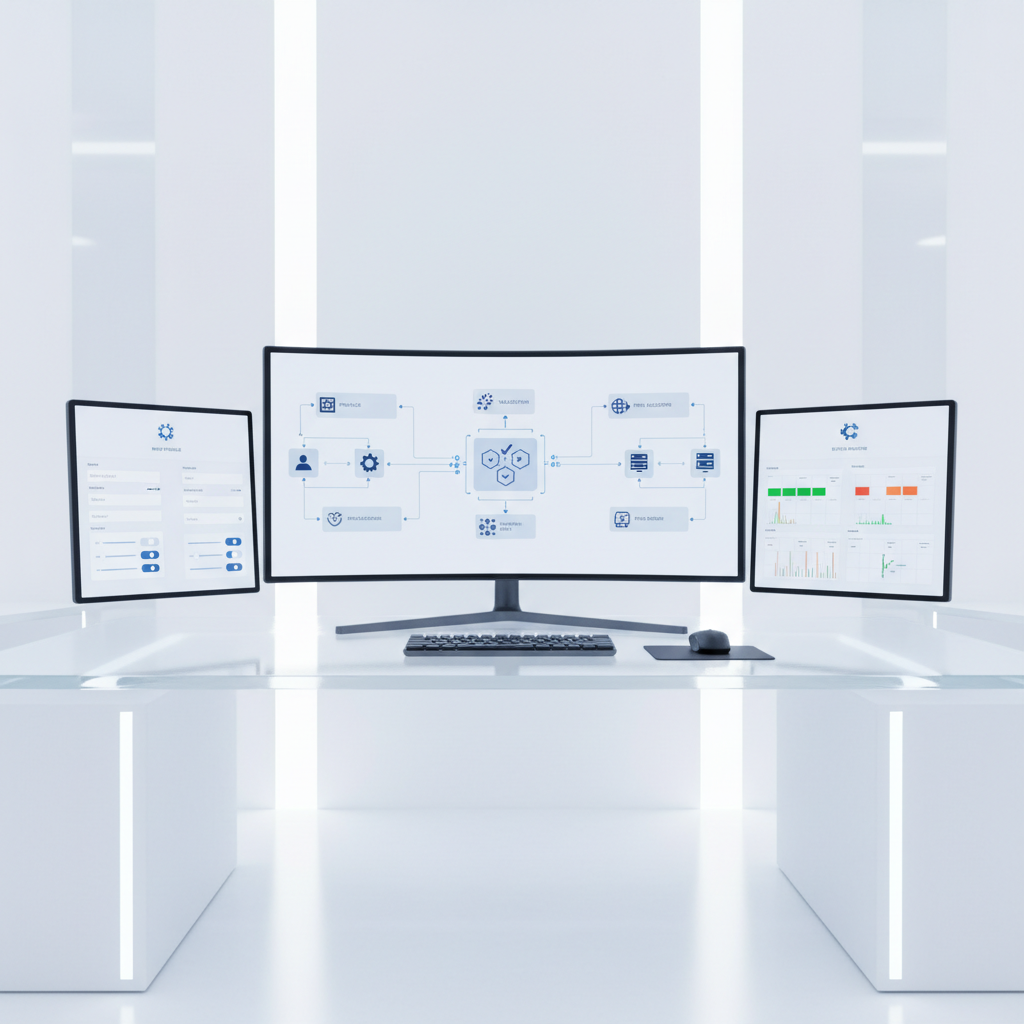
Automated workflows manage browser profile lifecycle from initial creation through active account management operations. Each phase requires specific timing and validation steps to maintain profile integrity.
Profile initialization automation handles browser configuration, proxy assignment, and fingerprint validation in 90-120 seconds. Scripts verify that timezone, locale, and geolocation settings match the assigned proxy location before proceeding to account creation steps.
Account registration workflows include email verification, phone number validation, and profile completion sequences with 5-10 minute delays between steps. Automated systems should pause for verification emails and handle multi-step authentication without rushing through security challenges.
Cookie management and session persistence automation maintains login states across browser sessions and profile switches. Scripts export cookies after successful logins and restore them when resuming profile activity, preserving anti detect browser cookie management workflows.
Account warming sequences simulate realistic user behavior through graduated activity increases over 7-14 days. Initial automation performs basic actions like profile viewing and light interaction, gradually increasing to full operational activity as the account warming anti detect browser process establishes behavioral baselines.
Automated profile creation reduces manual setup time from 45 minutes to under 3 minutes per profile when properly configured. This time savings comes from eliminating manual browser configuration, proxy testing, and account creation form filling that typically require human attention.
Scale Optimization: Managing Concurrent Browser Sessions Without Performance Degradation

Concurrent sessions require resource optimization to maintain performance across 50+ browser profiles running simultaneously. Memory management becomes the primary bottleneck as each browser session consumes RAM and CPU resources.
Session pooling strategies control resource allocation by limiting active browser contexts while maintaining profile availability. A typical setup maintains 20-30 active sessions with additional profiles in standby mode. When a session completes its task, the system closes that context and activates the next profile in queue.
Memory management requires approximately 200MB RAM plus 50MB per active tab for each browser profile. A system running 50 concurrent profiles needs 10-12GB RAM minimum, with additional overhead for the automation framework and operating system. Teams exceeding this scale need distributed automation across multiple machines.
Hardware requirements scale linearly with concurrent session count. Systems handling 10-15 profiles run adequately on 8GB RAM with quad-core processors. Operations requiring 30+ concurrent profiles need 16GB RAM and 8+ core CPUs to prevent performance bottlenecks that create timing inconsistencies.
Automation frameworks can distribute sessions across multiple machines when single-system limits are reached. Playwright supports remote browser connections, allowing one control system to manage browser sessions running on separate hardware. This distributed architecture maintains centralized control while scaling beyond single-machine resource constraints.
Resource cleanup prevents memory leaks that degrade performance over extended automation runs. Scripts should explicitly close browser contexts and dispose of page objects after completing profile tasks. Automatic garbage collection handles most cleanup, but manual disposal ensures consistent memory usage during long-running operations.
Network optimization becomes critical when managing multiple profiles with different proxy configurations. Each profile’s network requests must route through assigned proxies without connection pooling that could leak IP addresses between profiles. Proper datacenter vs residential proxy detection setup ensures each profile maintains distinct network fingerprints throughout automated operations.
Frequently Asked Questions
Can you run Playwright scripts on modified anti-detect browsers safely?
Playwright works best with unmodified browsers because it connects via Chrome DevTools Protocol without altering browser binaries. Modified browsers often break CDP connections or introduce timing inconsistencies that scripts can’t compensate for. The free vs paid anti detect browser comparison shows that modified browsers create detection risks that Playwright can’t overcome.
How many browser profiles can automation scripts handle simultaneously?
Most systems can handle 20-30 concurrent automated browser sessions before memory constraints cause performance issues. Each profile needs 200MB RAM plus additional memory for active tabs and script execution overhead. Teams requiring higher concurrency need distributed automation or upgraded hardware specifications.
What happens if automation scripts run too fast between actions?
Rapid script execution creates timing patterns that don’t match human behavior, triggering behavioral detection systems. Scripts should include 2-5 second delays between actions and randomize interaction timing to avoid batch detection. Platform terms of service analysis often includes behavioral monitoring that flags non-human timing patterns.

Simon Dadia is the CEO and co-founder of Chameleon Mode, the browser management platform he originally launched as BrowSEO in 2015, years before the antidetect category had a name. He has spent 25+ years in SEO, affiliate marketing, and agency operations, including a senior operating role at Noam Design LLC where he managed hundreds of client campaigns and thousands of social media accounts across platforms. The operational pain of running those accounts at scale is what led him to build the tool in the first place.
Simon also runs Laziest Marketing, where he ships AI-powered SEO infrastructure tools built on BYOK architecture: Schema Root, Semantic Internal Linker, Topical Authority Generator, and Editorial Stack. Father of 4. Based in Israel.