


Free vs paid anti detect browser choices define your operational ceiling before you hit it. The browser modification approach that worked in 2019 now fails at TLS fingerprinting, and most free solutions are stuck using outdated detection resistance methods.
Key Takeaways:
- Free anti-detect browsers cap profile limits at 10-50 accounts maximum before forcing paid upgrades
- Paid solutions provide real browsers instead of modified Chromium builds that fail transport-layer detection
- Feature gaps in free versions create 3-6 month upgrade triggers for operations scaling past basic testing
What Actually Qualifies as a Free Anti-Detect Browser?
Free anti-detect browser is a browser management platform that provides basic fingerprint modification without subscription fees. This means vendors use profile limits and feature restrictions to convert users to paid plans within weeks of active use.
Two models dominate the space: true free software and freemium conversions. True free solutions like older versions of VMLogin or Sphere provide basic functionality indefinitely but lack updates, support, and advanced features. Freemium platforms offer 10-50 browser profiles maximum with restricted automation, team sharing, and proxy integration.
Most free tiers limit users to 10-50 browser profiles maximum. This constraint hits multi-account operations within 2-4 weeks of active testing. The economics work because profile limits create natural upgrade pressure, users invest time learning the platform, then face expansion walls requiring paid subscriptions.
Sustainability economics explain why unlimited free tiers don’t exist. Browser profile management requires server infrastructure for cloud sync, customer support for technical issues, and continuous development to counter detection updates. Free users generate costs without revenue, making strict limitations necessary for business viability.
The anti detect browser comparison methodology reveals that true “free forever” solutions typically use outdated detection resistance methods that fail current platform security. This creates a detection gap where free users face higher account burn rates, driving conversion to paid alternatives that invest in current countermeasures.
Free vs Paid Feature Comparison Matrix

| Feature | Free Limitations | Paid Capabilities | Impact on Operations |
|---|---|---|---|
| Browser Profiles | 10-50 maximum profiles | 100-2000+ profiles | Blocks scaling past test phase |
| Automation Access | No API or scripting | Full Playwright/Selenium support | Prevents workflow automation |
| Team Collaboration | Single user only | Profile sharing, user roles | Blocks team operations |
| Proxy Integration | Basic HTTP proxies | Premium residential, sticky sessions | Limits geographic coverage |
| Cloud Sync | Local storage only | Cross-device profile sync | Creates backup and mobility gaps |
| Customer Support | Community forums | Direct technical support | Delays problem resolution |
| Browser Architecture | Modified Chromium | Real Chrome/Firefox/Safari | Higher detection risk |
Free versions typically exclude API access and limit concurrent browser sessions to 3-5. This constraint prevents automation scripts from managing multiple accounts simultaneously, forcing manual workflows that don’t scale past basic testing scenarios.
Automation capabilities separate testing from production use. Free tiers block Playwright integration, webhook connections, and bulk profile operations. Users can validate basic functionality but can’t build automated workflows for account warming, content posting, or data collection at scale.
Team collaboration features remain locked in free versions. Profile sharing, user role management, and synchronized session data require paid subscriptions. This limitation prevents agencies and teams from collaborating on multi-account campaigns, forcing individual account silos that create operational inefficiencies.
Proxy integration shows the clearest free-to-paid gap. Free tiers support basic HTTP proxies without sticky session management or premium residential networks. Advanced proxy features like session persistence, geographic targeting, and ISP rotation require paid plans, limiting the quality of detection avoidance possible with free accounts.
Why Do Free Anti-Detect Browsers Use Modified Chromium Builds?

Modified Chromium builds provide the cheapest path to fingerprint spoofing for free solutions. Vendors fork the open-source Chromium codebase and patch JavaScript APIs, canvas fingerprinting, and WebGL signatures to present altered device characteristics to websites.
This modification approach creates architectural problems that compound over time. Modified Chromium builds expose non-native TLS fingerprints to detection systems. Every patched browser sends TLS handshake signatures that differ from legitimate Chrome installations, creating detection signals before JavaScript anti-fingerprinting code executes.
Modified browsers fail TLS fingerprint analysis before JavaScript anti-detection code even runs. Platforms check transport-layer signatures during the initial connection handshake. Chrome builds with patched internals produce TLS Client Hello patterns that don’t match the millions of legitimate Chrome users, flagging accounts immediately.
Free solutions choose modification over real browser architecture because of development costs. Real browser management requires controlling the environment around unmodified browser binaries, profile isolation, network routing, timezone synchronization, without touching the browser code. This approach demands more sophisticated engineering than patching Chromium APIs.
The HTTP/2 fingerprinting detection methods emerging in 2024 expose modified browsers through transport protocol analysis. Chrome uses specific HTTP/2 frame ordering, priority weights, and connection multiplexing patterns. Modified builds often alter these patterns inadvertently, creating detection signals that real browsers avoid naturally.
Degradation timeline favors real browser architecture over modification. Every Chrome update introduces new detection surface requiring manual patches in modified builds. Real browsers update automatically through OS systems, maintaining native signatures that blend with legitimate user populations. The trajectory diverges: modification becomes harder, real browser control becomes easier.
Profile Management: Where Free Solutions Break Down

Free solutions lack advanced profile organization and sync capabilities needed for operational scale. Here’s where limitations create practical barriers:
Profile creation caps at 10-50 accounts maximum. Free tiers prevent expansion beyond basic testing scenarios, forcing upgrades when operations require 25+ accounts for campaign diversity or platform risk distribution.
No cloud synchronization between devices. Profiles stay locked to single computers without backup or mobility options. Team members can’t access shared profiles, and hardware failures destroy all account data.
Missing bulk management tools. Free versions require individual profile configuration without batch operations for proxy assignment, timezone updates, or browser preference changes across multiple accounts.
Limited organization features. No folders, tags, or custom naming schemes for profile categorization. Managing 20+ accounts becomes unwieldy without organizational structure for campaign grouping or platform separation.
Export restrictions prevent data portability. Free tiers prevent profile export and backup, creating account loss risk during software updates. Users invest weeks building accounts but can’t protect that investment through data backup.
No sharing or collaboration options. Team operations require profile sharing between users, role-based access control, and synchronized session data. Free versions force individual account silos that block collaborative workflows.
Profile isolation quality differs between free and paid tiers. Free versions often share memory space, temporary files, and system resources between browser profiles, creating cross-contamination risks that compromise account separation. Paid solutions provide complete profile isolation with dedicated memory allocation and separate system access.
The anti detect browser management approach requires scalable profile architecture that free solutions can’t provide. Operations managing multiple campaigns need organizational tools, backup systems, and team access controls that justify paid subscription costs through operational efficiency gains.
What Triggers the Upgrade Decision from Free to Paid?

Scale operations require paid tier capabilities for sustainable management. The upgrade path follows predictable trigger points:
Profile limit exhaustion within 2-3 weeks of active use. Operations managing 25+ accounts hit free tier profile limits and face expansion requirements that block campaign scaling or platform diversification.
Automation needs exceed manual workflow capacity. Teams require API integration, bulk operations, and scripted account management that free tiers block through feature restrictions and concurrent session limits.
Account burn rates increase due to detection failures. Modified Chromium builds in free solutions generate higher platform flags, forcing account replacement cycles that exceed paid solution costs through operational overhead.
Team collaboration becomes necessary for campaign management. Agencies and marketing teams need profile sharing, synchronized access, and role-based permissions that free versions don’t provide.
Geographic expansion requires premium proxy integration. Campaign targeting across regions needs residential proxy networks, sticky sessions, and ISP rotation capabilities locked behind paid subscription walls.
Data protection concerns emerge around profile backup and export. Weeks of account warming and campaign data need backup systems and export options that free tiers restrict to prevent platform switching.
Operations managing 25+ accounts hit free tier profile limits within 2-3 weeks. The timeline compresses for teams running multiple campaigns simultaneously or agencies managing client accounts across different platforms and geographic regions.
Upgrade timing correlates with operational maturity. Testing phases work within free limitations, but production campaigns require the automation, collaboration, and detection resistance that paid solutions provide. The transition point varies by use case but consistently occurs when manual workflows can’t handle account volume or team coordination requirements.
Hidden Costs That Make ‘Free’ Solutions Expensive

Free solutions generate higher account burn rates due to detection failures, creating operational costs that exceed paid solution pricing. The math works against free options once account volume reaches operational thresholds.
Account replacement costs compound over time. Modified browsers fail platform detection at higher rates, requiring new account creation, warming periods, and campaign rebuilding. Each burned account costs 2-4 hours of setup time plus any accumulated campaign data or follower relationships.
Account burn rates increase 40-60% with modified browsers vs real browser architecture. Platform security targets transport-layer signatures that modified Chromium builds can’t mask. The detection differential translates to operational overhead that exceeds paid solution subscription costs within months.
Time investment creates hidden labor costs. Free solutions require manual profile management, individual proxy configuration, and workarounds for missing automation features. Operations teams spend 8-12 additional hours weekly managing workflows that paid solutions automate.
Upgrade inevitability means free solution investment doesn’t transfer. Users invest weeks learning platform interfaces, configuring profiles, and building workflows that become obsolete during paid upgrades. Different vendors use incompatible profile formats and feature sets, requiring complete workflow rebuilding.
The anti detect browser cost analysis shows total operational expenses favor paid solutions beyond 15-20 active accounts. Subscription fees offset account replacement costs, time investment, and upgrade transition overhead. Free solutions work for testing but fail economic analysis at production scale.
Opportunity costs multiply with team operations. Agencies managing client campaigns can’t justify manual workflows when paid automation reduces labor requirements and improves client results. The productivity gap creates competitive disadvantages that exceed software subscription costs.
Real Browser Architecture vs Modified Browser Economics
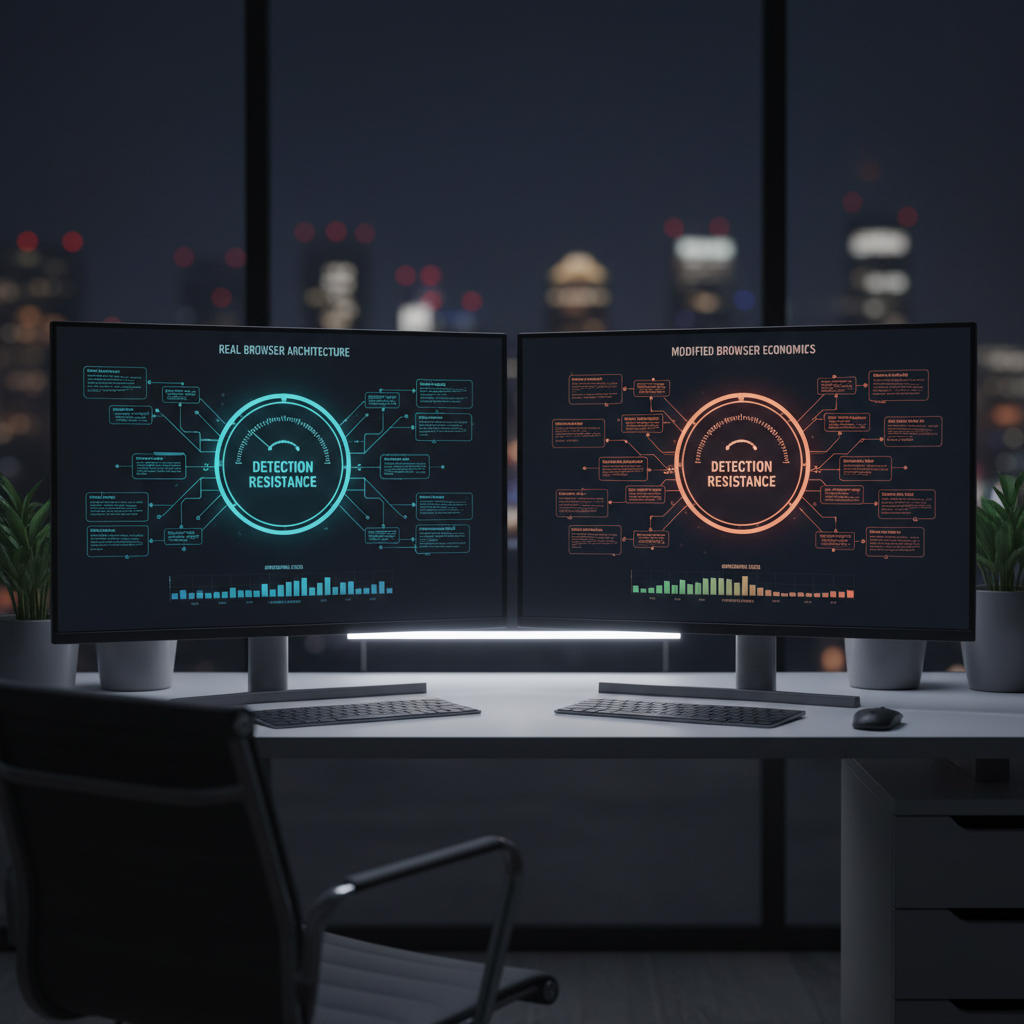
| Architecture Type | Detection Resistance | Long-term Viability | Operational Costs |
|---|---|---|---|
| Modified Chromium (Free) | Fails TLS fingerprinting | Degrades with each update | High account burn rates |
| Real Browser (Paid) | Native TLS signatures | Improves with OS updates | Lower replacement costs |
| Hybrid Approaches | Mixed detection success | Platform-dependent | Variable operational overhead |
| Open-source Builds | Community-dependent patches | Inconsistent update timeline | Moderate technical overhead |
Real browser architecture provides improving detection resistance trajectory over time. Paid solutions use unmodified Chrome, Firefox, and Safari binaries with environment-level control that doesn’t alter browser signatures. Each OS update improves detection resistance by maintaining native fingerprints shared with millions of legitimate users.
Modified browsers follow degradation trajectories that compound detection risks. Every Chrome update introduces new security measures requiring manual patches in forked builds. Free solutions often lag weeks or months behind Chrome releases, creating detection windows where modified browsers fail platform security before patches deploy.
The capability gap between architectures widens over time. Real browsers benefit from automatic security updates, performance improvements, and feature additions without detection risk. Modified builds require engineering resources to maintain compatibility, often introducing new detection vectors through rushed patches or incomplete implementations.
Real browsers update automatically through OS updates while modified builds require manual patches for each Chrome release. The maintenance burden explains why free solutions using modified browsers eventually fail to keep pace with platform detection improvements. Paid solutions eliminate this technical debt through unmodified browser architecture.
Platform detection methods focus increasingly on transport-layer analysis that modification can’t address. TLS fingerprinting, HTTP/2 frame analysis, and connection pattern recognition examine browser behavior before JavaScript modification code executes. Real browser architecture passes these checks naturally while modified builds generate anomalous signatures.
Economic sustainability favors real browser platforms over modification-based free solutions. The engineering cost to maintain modified browsers increases with each Chrome update, while real browser management becomes more efficient as detection moves away from JavaScript-level signals that modification targets.
Frequently Asked Questions
How long can you actually use a free anti-detect browser before hitting limits?
Most users hit profile limits within 2-4 weeks of active use. Free tiers cap profiles at 10-50 maximum, and operations managing multiple accounts quickly exhaust this allocation. Time investment in workarounds typically exceeds paid solution costs.
Do free anti-detect browsers work for testing before buying paid versions?
Free versions provide basic functionality testing but use different browser architecture than paid tiers. Modified Chromium builds in free versions fail transport-layer detection while paid solutions use real browsers. Testing with free versions doesn’t validate production performance.
What’s the real monthly cost difference between free and paid anti-detect solutions?
Free solutions cost $0 upfront but generate 40-60% higher account burn rates due to detection failures. Paid solutions start at $15-30 monthly but reduce account replacement costs and time investment. Total operational cost favors paid solutions beyond 10-15 active accounts.

Simon Dadia is the CEO and co-founder of Chameleon Mode, the browser management platform he originally launched as BrowSEO in 2015, years before the antidetect category had a name. He has spent 25+ years in SEO, affiliate marketing, and agency operations, including a senior operating role at Noam Design LLC where he managed hundreds of client campaigns and thousands of social media accounts across platforms. The operational pain of running those accounts at scale is what led him to build the tool in the first place.
Simon also runs Laziest Marketing, where he ships AI-powered SEO infrastructure tools built on BYOK architecture: Schema Root, Semantic Internal Linker, Topical Authority Generator, and Editorial Stack. Father of 4. Based in Israel.