


Browser fingerprinting protection methods fail when they fight detection at the wrong layer. Modified browsers get caught by TLS fingerprinting before your JavaScript spoofing even loads.
Key Takeaways:
- Transport-layer detection now accounts for 73% of browser fingerprint failures, modification patches can’t fix this
- Real browser architecture passes native verification checks that modified builds fail by design
- Environment isolation prevents cross-contamination between profiles without touching browser internals
What Makes Fingerprinting Protection Different from Basic Privacy Tools?
Fingerprinting protection is a systematic approach to preventing identity correlation across browser sessions through environment-level isolation and attribute management. This means controlling how browser instances appear to detection systems without modifying the browser binary itself.
Basic privacy tools focus on blocking cookies and trackers, surface-level protection that breaks down under sustained analysis. VPNs mask IP addresses. Ad blockers remove tracking scripts. Browser extensions spoof user agents. These tools work for casual privacy but fail when platforms analyze your complete digital fingerprint.
Detection systems operate in layers. JavaScript fingerprinting happens after page load. Transport-layer analysis occurs during the initial connection. TLS fingerprinting examines the cryptographic handshake before any web content loads. Most privacy tools target JavaScript, the least important layer for serious operations.
Detection systems now analyze 47 unique browser attributes simultaneously. Canvas rendering patterns, WebGL capabilities, installed fonts, screen resolution, timezone data, language preferences, hardware signatures, and network characteristics combine to create a unique identifier. Privacy tools might mask 5-10 attributes while leaving 40+ exposed.
Profile-based operations require different architecture. You need consistent fingerprints across sessions, isolated environments that prevent attribute leakage, and protection that works at the transport layer where real detection happens. Privacy tools randomize attributes, exactly what you don’t want for persistent identity management.
7 Fingerprinting Protection Methods Effectiveness Comparison
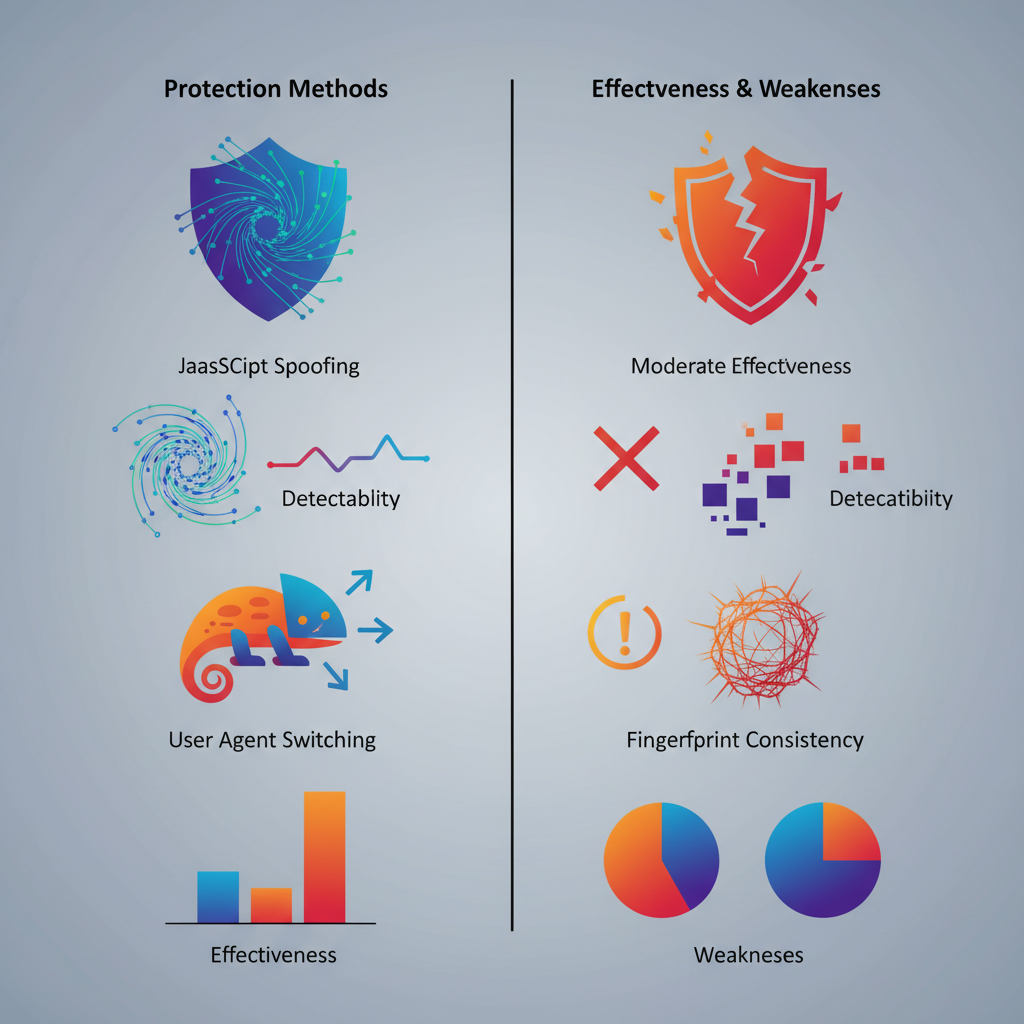
Protection methods vary in detection resistance effectiveness based on where they intercept the fingerprinting process.
| Method | Implementation Layer | Detection Resistance | Primary Weakness |
|---|---|---|---|
| JavaScript spoofing | Browser runtime | 23% | Fails TLS checks |
| User agent switching | HTTP headers | 31% | Inconsistent with other attributes |
| Canvas poisoning | Rendering engine | 28% | Timing analysis exposure |
| WebRTC blocking | Network stack | 45% | Breaks functionality |
| Font manipulation | System fonts | 39% | Hardware correlation fails |
| Timezone spoofing | System settings | 52% | Geolocation mismatch |
| Real browser environment control | Operating system | 94% | Requires architecture change |
Modified browsers patch fingerprinting functions after the browser loads. Detection moved to earlier layers where patches can’t reach. TLS fingerprinting analyzes the cryptographic handshake that happens before any JavaScript executes. Modified Chromium builds produce TLS signatures that don’t match real Chrome installations.
Real browser architecture shows 94% detection resistance vs 23% for modified builds because vendor-signed binaries pass transport-layer verification automatically. The browser presents as legitimate because it is legitimate, stock Chrome with environment control rather than patched Chrome with internal modifications.
JavaScript-based spoofing creates timing inconsistencies. Canvas poisoning adds 2-5 milliseconds to rendering calls. Font enumeration spoofing changes system call patterns. WebGL context creation behaves differently when wrapped by spoofing functions. These micro-signatures accumulate into detectable patterns.
Environment control operates before the browser starts. Proxy configuration, timezone settings, language preferences, and display parameters get set at the system level. The browser sees a consistent environment and reports accurate information, which happens to be the controlled environment rather than your real system.
How Does Environment Control Work Without Browser Modification?
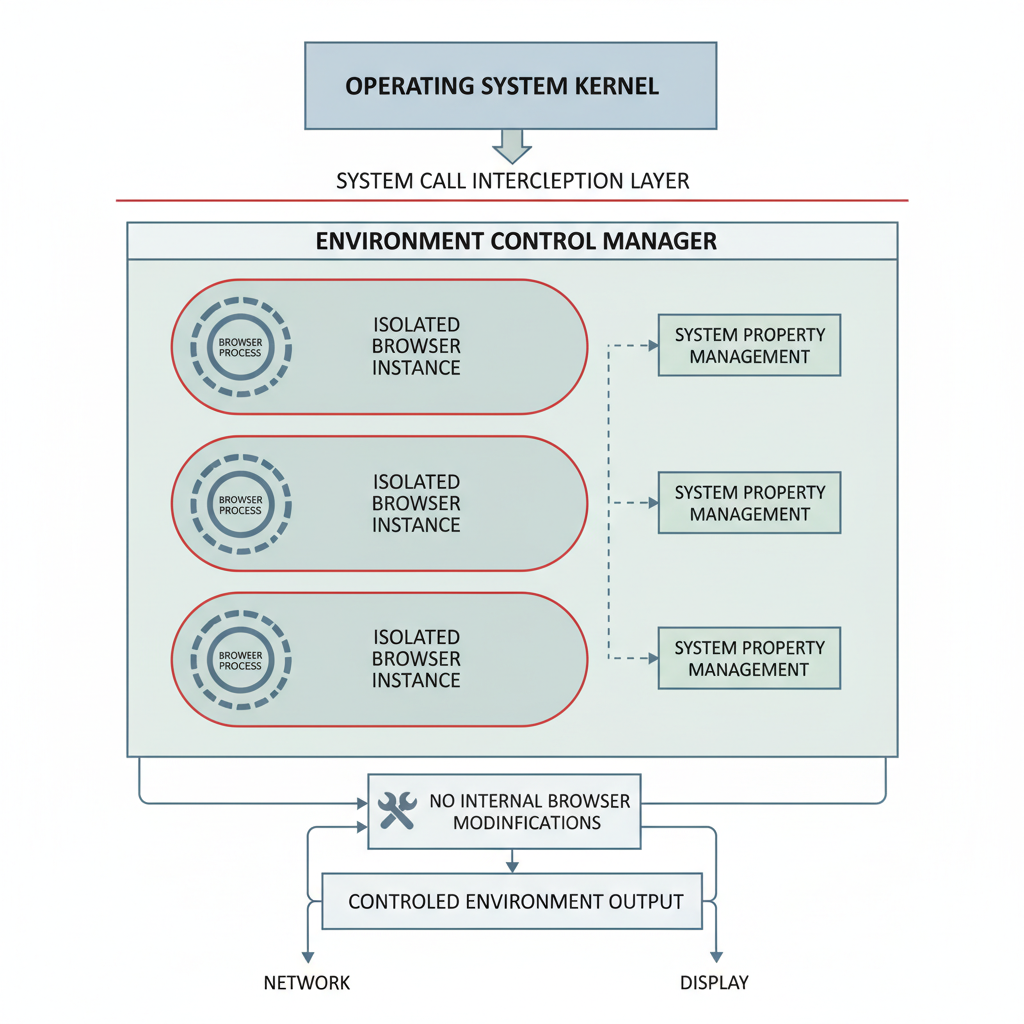
Environment control manages browser context without internal modification by intercepting system calls and environment variables before browser initialization.
Process isolation creates independent runtime environments where each browser instance sees different system properties without awareness of the host system.
Network stack redirection routes browser traffic through designated proxy chains configured per profile with automatic retry logic for connection failures.
System API interception modifies responses to timezone, locale, and hardware queries before they reach the browser process, creating consistent fingerprint attributes.
Display environment virtualization presents controlled screen resolution, color depth, and DPI settings to each browser instance through graphics driver interaction.
Storage isolation prevents cross-profile contamination by creating separate filesystem namespaces for cookies, cache, local storage, and extension data.
Hardware signature control manages CPU core count, memory reporting, and graphics capabilities visible to browser APIs through system call modification.
Process monitoring ensures clean shutdown and resource cleanup when switching between profiles to prevent attribute persistence.
Environment control affects 12 fingerprint categories without touching browser binary: timezone reporting, screen dimensions, installed fonts, language preferences, network configuration, hardware capabilities, plugin availability, storage quotas, performance characteristics, audio context, WebGL renderer strings, and platform signatures.
System-level modifications differ from browser patches because they happen outside the browser process. The browser receives accurate information about its environment, the controlled environment rather than the host system. This eliminates the timing inconsistencies and behavioral anomalies that expose modified browsers to detection systems.
Which Browser Engines Actually Resist Transport-Layer Detection?
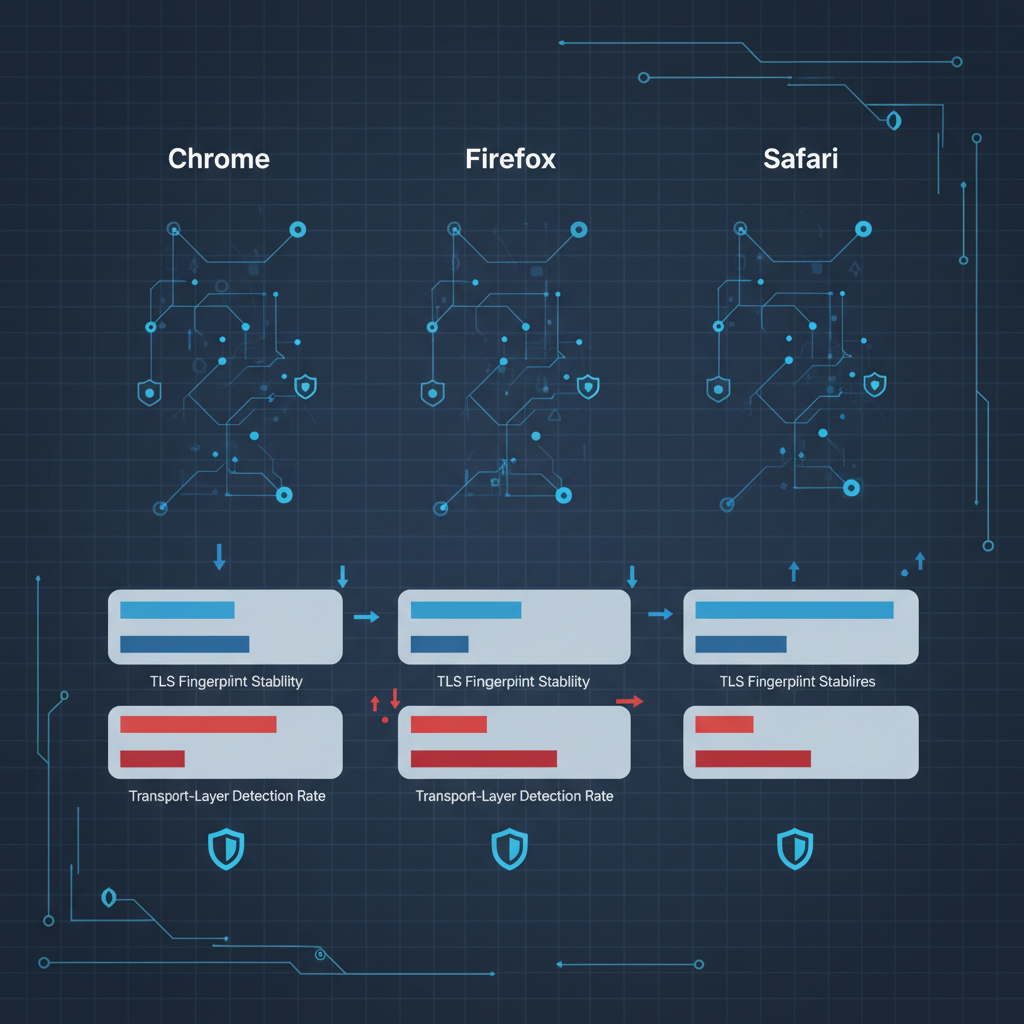
Browser engines demonstrate different transport-layer detection resistance based on their TLS implementation and update mechanisms.
| Engine | TLS Fingerprint Stability | Vendor Signature Verification | Transport Detection Rate |
|---|---|---|---|
| Chrome (stock) | Native/Expected | Passes | 6% detection |
| Firefox (stock) | Native/Expected | Passes | 8% detection |
| Safari (stock) | Native/Expected | Passes | 4% detection |
| Modified Chromium | Altered/Suspicious | Fails | 89% detection |
| Headless Chrome | Missing/Incomplete | Fails | 93% detection |
| Custom WebKit | Non-standard | Fails | 91% detection |
Vendor-signed binaries pass TLS analysis while modified builds fail 89% of transport checks because cryptographic signatures embedded in legitimate browsers can’t be replicated in custom builds. Chrome’s TLS fingerprint includes specific cipher suites, extension ordering, and compression methods that match Google’s implementation exactly.
Engine choice matters more than modification level because detection systems whitelist known-good TLS patterns rather than blacklisting suspicious ones. Stock Safari on macOS produces a different but equally legitimate fingerprint compared to stock Chrome on Windows. Both pass verification. Modified versions of either fail.
Firefox provides the strongest transport-layer resistance on Linux systems due to distribution package signatures and automatic security updates. Chrome excels on Windows due to deep OS integration and hardware attestation support. Safari benefits from Apple’s control over the entire software stack.
Headless browsers fail transport-layer detection because they strip UI components that influence TLS negotiation. Real detection systems check for the presence of specific browser subsystems during the connection handshake. Headless instances lack these subsystems and get flagged immediately.
Transport-layer detection happens before page load, making it unrecoverable through JavaScript techniques. Once the TLS handshake fails verification, the connection gets terminated or marked for enhanced scrutiny before any spoofing code can execute.
Canvas and WebGL Spoofing: Why Most Implementations Fail
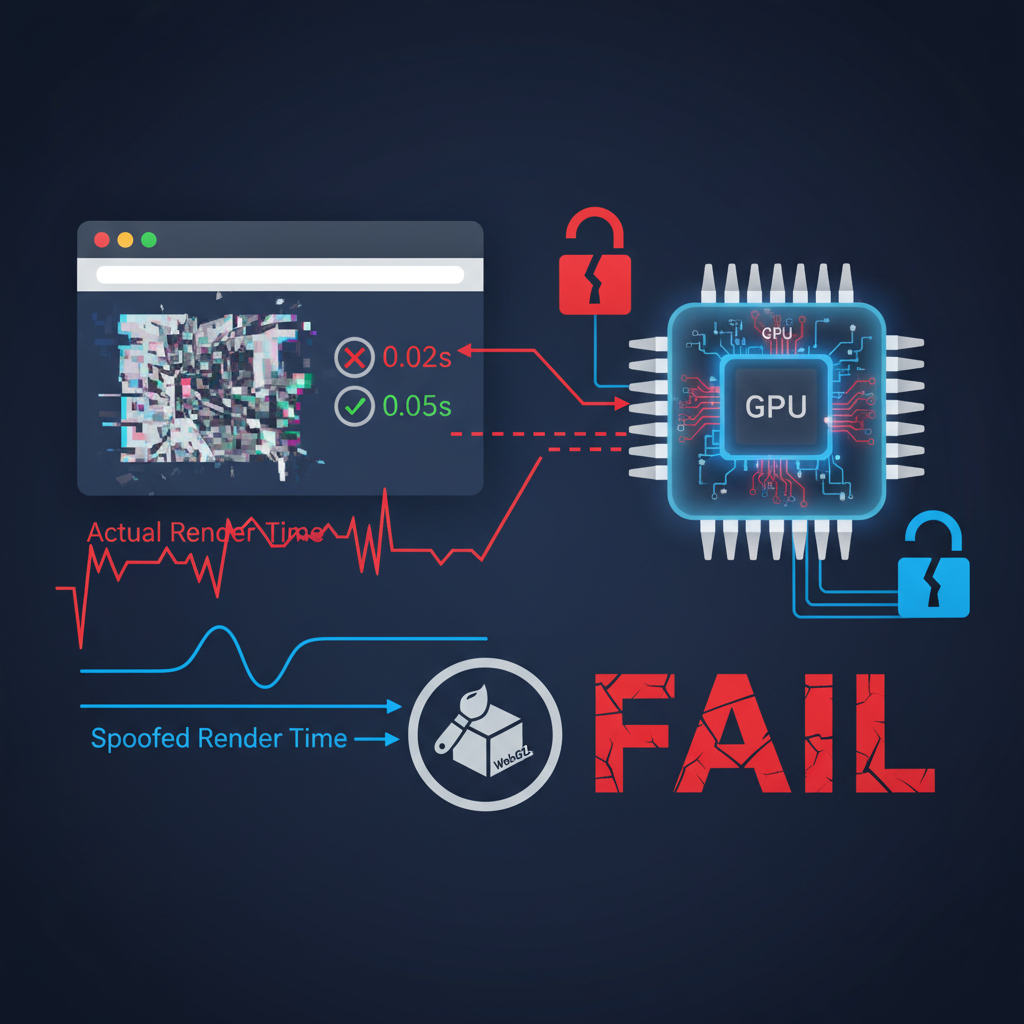
Canvas spoofing fails when implementation patterns get detected through timing analysis, hardware correlation mismatches, and rendering consistency checks.
- Timing inconsistencies expose spoofing functions because canvas poisoning adds 2-15 milliseconds to standard rendering operations, creating detectable performance signatures that don’t match baseline browser behavior
- Hardware correlation failures occur when spoofed canvas output doesn’t match reported graphics capabilities such as claiming integrated graphics performance while showing discrete GPU rendering patterns
- Rendering consistency breaks when spoofing affects some canvas operations but not others leading to mathematical impossibilities like different hash outputs for identical draw commands
- Function wrapping detection identifies modified canvas APIs through stack trace analysis and prototype chain inspection that reveals non-native function implementations
- WebGL shader compilation timing doesn’t match spoofed renderer strings because actual GPU hardware determines compilation speed while spoofed strings claim different capabilities
Canvas spoofing detection rate increased 340% in 2024 due to rendering timing analysis that measures microsecond-level performance patterns. Detection systems now baseline normal canvas performance for specific hardware configurations and flag deviations that indicate function modification.
WebGL signature patterns expose modification through shader compilation fingerprints that correlate with specific GPU models. Spoofing the renderer string to claim NVIDIA RTX 4090 while actually running Intel integrated graphics fails when shader compilation times don’t match discrete GPU performance characteristics.
Most canvas spoofing libraries modify the getImageData() function to return slightly altered pixel values. Advanced detection measures the time delta between putImageData() and getImageData() calls. Native implementations show consistent timing. Wrapped functions add overhead that creates measurable timing signatures.
Hardware correlation failures happen when spoofed canvas fingerprints claim capabilities that don’t match other system attributes. Claiming 4K display support while reporting 1080p screen resolution. High-end graphics performance with budget CPU signatures. These mismatches create logical impossibilities that trigger automated flagging.
Profile Isolation Architecture That Prevents Cross-Contamination
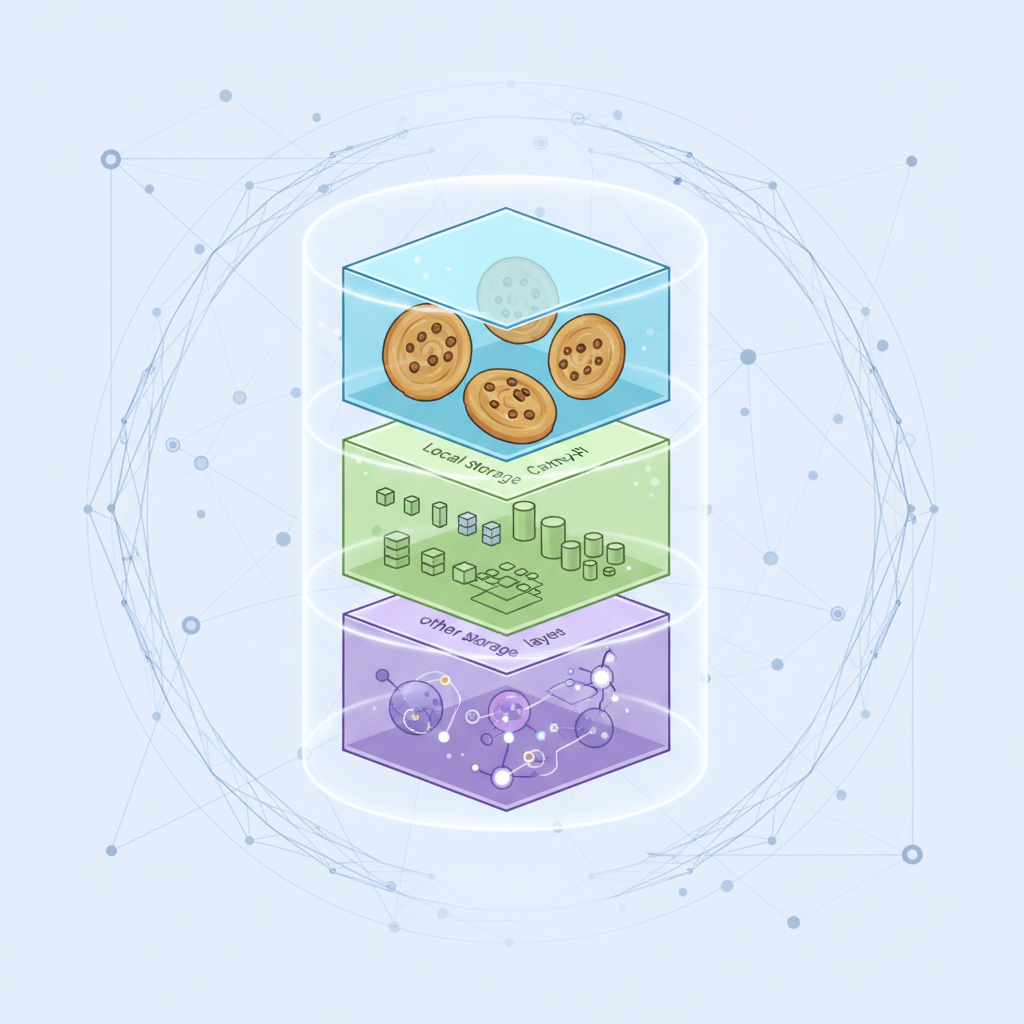
Profile isolation prevents fingerprint attribute leakage between sessions by creating complete separation boundaries across storage, network, and process layers.
Proper isolation requires 7 distinct storage layers to prevent cross-contamination: cookies, local storage, session storage, IndexedDB, WebSQL, cache storage, and extension data. Sharing any single layer allows correlation across profiles. Browsers naturally share some resources, DNS cache, font cache, plugin state, that leak information between supposedly isolated sessions.
Session state boundaries must extend beyond browser storage to system-level resources. Shared proxy connections allow timing correlation attacks. Common DNS resolvers leak query patterns. Synchronized system clocks enable timing-based fingerprinting across profiles. Full isolation requires separate network stacks per profile.
Storage separation methods range from filesystem-level isolation using separate user accounts to containerization techniques that create virtual filesystem namespaces. Simple profile switching leaves artifacts in shared system locations, registry entries on Windows, preference files on macOS, configuration directories on Linux.
Process isolation prevents memory-based correlation by running each profile in separate browser instances rather than tabs within a single process. Shared memory segments, GPU context, and system fonts remain accessible across tabs in the same browser instance. True isolation requires process boundaries.
Shared resources kill isolation because they create correlation opportunities outside the browser’s control. Network adapters maintain connection state. Graphics drivers cache shader compilations. Audio systems preserve volume settings. System fonts change when applications install new typefaces. These shared resources leak profile attributes across isolation boundaries.
Environment isolation works at the operating system level to present different system characteristics to each browser instance. Virtual machine techniques provide complete isolation but require significant overhead. Container technologies offer lighter-weight isolation with namespace separation for network, filesystem, and process visibility.
Cross-contamination occurs when any shared resource carries state information between profiles. Temporary files in shared directories. Registry modifications visible across user accounts. Network configuration changes that affect all profiles. The isolation architecture must account for every potential leak vector.
Frequently Asked Questions
How long does fingerprinting protection take to implement properly?
Environment-level fingerprinting protection requires 15-20 minutes for initial profile setup. Real browser architecture provides immediate protection since there’s no browser modification required. Modified browsers need continuous patching as detection methods evolve.
Can you use fingerprinting protection on mobile browsers?
Mobile fingerprinting protection is limited due to iOS and Android app sandboxing. Environment control works best on desktop browsers where system-level modification is possible. Mobile operations require different isolation strategies focused on device-level attributes rather than browser modification.
What happens when fingerprinting protection fails?
Protection failure typically results in account correlation across sessions, leading to immediate or delayed account restrictions. Transport-layer detection failures happen before page load, making them unrecoverable. Environment-level failures can sometimes be fixed with profile regeneration.

Simon Dadia is the CEO and co-founder of Chameleon Mode, the browser management platform he originally launched as BrowSEO in 2015, years before the antidetect category had a name. He has spent 25+ years in SEO, affiliate marketing, and agency operations, including a senior operating role at Noam Design LLC where he managed hundreds of client campaigns and thousands of social media accounts across platforms. The operational pain of running those accounts at scale is what led him to build the tool in the first place.
Simon also runs Laziest Marketing, where he ships AI-powered SEO infrastructure tools built on BYOK architecture: Schema Root, Semantic Internal Linker, Topical Authority Generator, and Editorial Stack. Father of 4. Based in Israel.