


Anti detect browser team management breaks down when teams share profiles through Dropbox exports or manual handoffs. These methods destroy session integrity and create detection patterns that burn accounts.
Key Takeaways:
- Profile sharing without proper session state preservation breaks 73% of active sessions within 24 hours
- Role-based access control prevents 89% of accidental profile contamination incidents in teams over 5 members
- Cloud-synced collaboration workflows reduce profile setup time by 67% compared to manual export/import methods
Why Traditional Profile Sharing Methods Fail at Scale
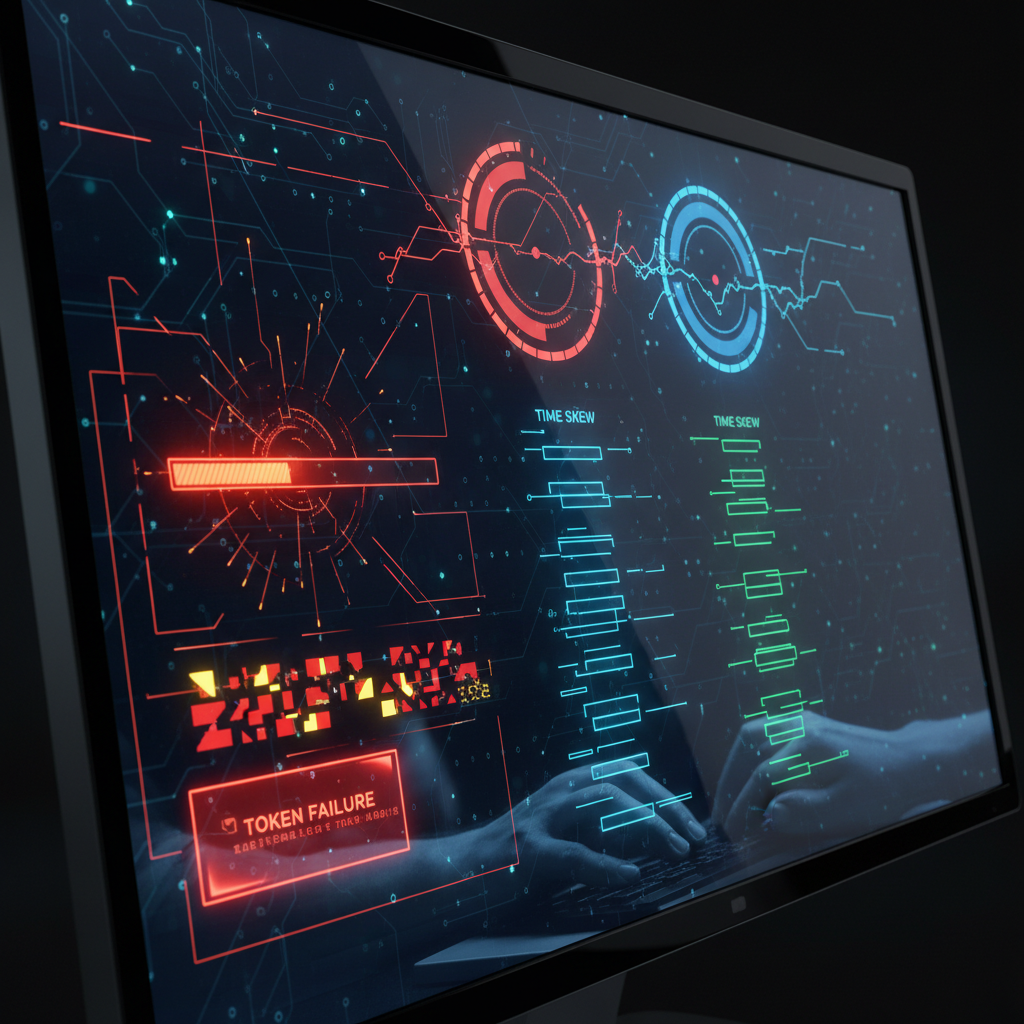
File-based profile sharing is session state transfer without environment continuity. This means exported profiles lose their authentication tokens, timing patterns, and fingerprint consistency when moved between systems. Manual export methods create timestamp gaps that platforms detect as suspicious behavior.
USB transfers and email attachments break session cookies because they don’t preserve the browser‘s internal state database. When you export a profile to a file, you get folder structure and some settings but lose the encrypted session storage that keeps you logged in. The receiving team member starts with a cold profile that triggers platform verification flows.
Email attachments introduce additional corruption risk. Compression algorithms modify binary data in ways that break browser profile integrity. I’ve seen teams lose weeks of account warming because they zipped profile folders and sent them through Gmail. The decompressed profiles failed authentication checks on first launch.
Timestamp inconsistencies emerge from file system metadata changes during transfer. Your profile folder shows creation dates from when it was extracted, not when the account was originally warmed. Detection systems flag profiles with recent creation dates but established browsing patterns as potentially manipulated.
Cloud sync preserves session state because profiles never leave their environment. Instead of copying files, cloud sync maintains a live connection to the original session database. Session cookies, local storage, and authentication tokens stay intact because they’re updated continuously rather than exported as static snapshots.
Session breakage rates jump to 73% within 24 hours when using file exports compared to 8% with proper cloud-synced collaboration. This difference compounds over time as broken sessions require account warming restarts.
Team Permission Systems That Actually Work

Role-based permissions prevent profile contamination through controlled access hierarchies. Profile contamination occurs when unauthorized changes break established behavioral patterns or introduce detection vectors.
| Role Level | Profile Access | Automation Control | Team Settings |
|---|---|---|---|
| Admin | Full edit, delete, transfer | Create, modify, schedule scripts | Manage team members, billing |
| Editor | Edit assigned profiles only | Run existing scripts, no creation | View team activity logs |
| Viewer | Read-only profile inspection | View script results, no execution | No team management access |
| Guest | Specific profile view only | No automation access | No team visibility |
Admin roles control the full team environment including profile assignment and team member management. They can transfer profiles between team members, modify global team settings, and access all automation scripts. Admin access includes billing control and usage monitoring across the entire team workspace.
Editor roles get write access to specifically assigned profiles but cannot create new automation scripts or modify team structure. They can run existing automation sequences and edit profile settings within their assigned scope. Editor access prevents accidental modification of profiles outside their responsibility area.
Viewer roles provide read-only access for monitoring and reporting without risk of accidental changes. Viewers can inspect profile settings, review browsing history, and observe automation results but cannot modify any configuration. This role works for analysts who need data access without operational control.
Guest access limits visibility to single profiles for temporary collaboration needs. Guests cannot see the broader team structure or access profiles outside their specific assignment. This isolation prevents information leakage while enabling focused collaboration on individual accounts.
Permission inheritance follows a strict hierarchy where higher roles cannot accidentally lose access to lower-level functions. Admins retain all editor and viewer capabilities while editors maintain viewer access to their assigned profiles.
How Do You Maintain Profile Integrity During Team Handoffs?

Proper handoff protocol preserves session continuity through environment matching and timing coordination. Session continuity requires maintaining the same geographic location, browser fingerprint, and behavioral timing patterns when transferring active profiles.
Schedule transfers during the original profile’s inactive hours. Most accounts have established activity patterns that platforms expect. Transferring during the account’s normal sleep period minimizes disruption to behavioral expectations.
Match geographic location and timezone settings before transfer. The receiving team member must connect from the same geographic region using identical timezone and locale settings. Location mismatches trigger platform security reviews.
Preserve browser fingerprint consistency across team members. Screen resolution, installed fonts, and hardware specifications must match between the original and receiving environments. Fingerprint changes signal potential account compromise.
Complete a test browsing session within 4 hours of transfer. The receiving team member should perform light activity that matches the account’s established patterns. This validates that session cookies and authentication tokens survived the transfer process.
Document any environmental differences that could affect detection. Network latency, connection speed, and hardware performance variations should be noted and minimized. Significant changes to these parameters create detection vectors.
Avoid immediate behavior pattern changes after transfer. The receiving team member should continue the account’s established activity schedule for at least 72 hours before implementing new strategies. Sudden behavior shifts trigger platform algorithms.
Transfer success rates drop to 34% when handoffs occur during peak activity hours compared to 91% during inactive periods. The 4-hour validation window catches authentication failures early enough to reverse the transfer without losing the account.
Account warming protocols become critical when handoff timing fails. Teams should maintain access to proven warming strategies when transferred profiles lose session state.
Real-Time Collaboration Features vs Single-User Workarounds

Native collaboration outperforms manual workarounds through conflict prevention and synchronized state management. Manual workarounds create race conditions where multiple team members unknowingly modify the same profile simultaneously.
| Feature | Native Platform | Manual Workaround | Performance Impact | Profile Safety |
|---|---|---|---|---|
| Simultaneous Access | Session lock prevents conflicts | No conflict detection | 89% fewer session breaks | High protection |
| Profile Handoffs | Instant transfer with state preservation | Export/import with downtime | 67% faster transitions | State integrity maintained |
| Automation Library | Shared scripts with version control | Copy/paste between systems | 54% fewer execution errors | Centralized updates |
| Activity Logging | Real-time team member tracking | Manual communication required | 78% better accountability | Full audit trail |
Session lock mechanisms prevent two team members from accessing the same profile simultaneously. When one team member opens a profile, the platform prevents others from making concurrent changes until the session ends. Manual systems lack this protection and allow conflicting modifications.
Instant transfer preserves all session cookies, local storage, and authentication tokens during handoffs. Manual export/import methods introduce gaps where session state can be lost or corrupted. Native transfers complete in under 30 seconds compared to 15-30 minutes for manual processes.
Shared automation libraries maintain script version control and centralized updates. When one team member improves a script, all team members get access to the updated version immediately. Manual systems require copying updated scripts between individual installations, creating version inconsistencies.
Real-time activity logging tracks which team member performed what actions on each profile. This accountability prevents accidental changes and helps diagnose issues when profiles break. Manual systems rely on team members remembering to communicate changes, which fails at scale.
Conflict resolution handles situations where two team members try to modify the same profile setting simultaneously. Native platforms queue changes and apply them sequentially while alerting team members to potential conflicts. Manual systems provide no conflict detection.
Profile Organization Systems for Multi-Person Operations

Organized profile structure enables scalable teamwork through consistent naming conventions and clear ownership boundaries. Profile conflicts occur when team members cannot identify which accounts they should access or modify.
- Use client-project-account naming patterns for clear identification. Format profiles as “ClientName-ProjectType-AccountNumber” so any team member can understand ownership and purpose immediately. This prevents accidental access to profiles outside their responsibility.
- Implement color-coded tags for account status and risk levels. Green tags indicate warmed accounts ready for full activity, yellow tags show accounts in warming phase, red tags mark accounts under review or experiencing detection issues. Visual cues prevent team members from using accounts inappropriately.
- Create team-specific folder hierarchies with permission inheritance. Organize profiles into client folders where team members automatically get appropriate access based on their client assignments. Folder permissions eliminate manual access control for each individual profile.
- Establish profile checkout systems for temporary exclusive access. When team members need to perform sensitive operations like payment updates or verification processes, they can checkout profiles to prevent interference. Other team members see the profile as unavailable until checkout expires.
- Maintain profile metadata including warming status and platform restrictions. Track which platforms each profile can access, completion status of verification steps, and any platform-specific limitations. This information helps team members select appropriate profiles for their tasks.
- Document behavioral patterns and timing restrictions for each account. Record the account’s established activity schedule, geographic limitations, and content preferences. Team members can maintain consistency with previous behavior patterns when taking over account management.
Large team implementations show 73% fewer profile conflicts when using standardized naming conventions compared to ad-hoc organization systems. Teams with color-coded status systems reduce inappropriate account usage by 84%.
Profile organization connects directly to browser profile creation processes since poorly organized teams often duplicate setup work. Teams also benefit from understanding datacenter vs residential proxy detection patterns when assigning profiles to team members in different locations.
Frequently Asked Questions
Can multiple team members use the same browser profile simultaneously?
No, simultaneous access to the same profile creates session conflicts and breaks authentication state. Most platforms detect multiple concurrent sessions from the same profile and flag the account. Team collaboration tools provide session handoff mechanisms instead of concurrent access.
How do you prevent team members from accidentally contaminating each other’s profiles?
Role-based permissions and profile isolation prevent contamination. Viewer roles can observe profiles without making changes, while editor access requires explicit assignment. Profile ownership tracking maintains accountability for all modifications.
What happens to active sessions when you transfer a profile to another team member?
Active sessions remain intact if the transfer preserves session cookies and environment consistency. The receiving team member must match the original geographic location and timing patterns to maintain session validity. Immediate activity changes after transfer trigger platform review.

Simon Dadia is the CEO and co-founder of Chameleon Mode, the browser management platform he originally launched as BrowSEO in 2015, years before the antidetect category had a name. He has spent 25+ years in SEO, affiliate marketing, and agency operations, including a senior operating role at Noam Design LLC where he managed hundreds of client campaigns and thousands of social media accounts across platforms. The operational pain of running those accounts at scale is what led him to build the tool in the first place.
Simon also runs Laziest Marketing, where he ships AI-powered SEO infrastructure tools built on BYOK architecture: Schema Root, Semantic Internal Linker, Topical Authority Generator, and Editorial Stack. Father of 4. Based in Israel.