


Chameleon browser management platform uses real browsers while modified Chromium gets detected at TLS handshake before JavaScript spoofing runs.
Key Takeaways:
- Chameleon Mode uses stock, vendor-signed browsers, Chrome, Edge, Firefox, instead of modified Chromium forks that generate detectable TLS fingerprints
- Environment control approach manages timezone, locale, and proxy settings around the browser without touching the binary, maintaining native TLS signatures
- Real browsers improve detection resistance over time as they blend with legitimate user populations, while modified browsers degrade with each platform update
What Is Chameleon Browser Management Platform?
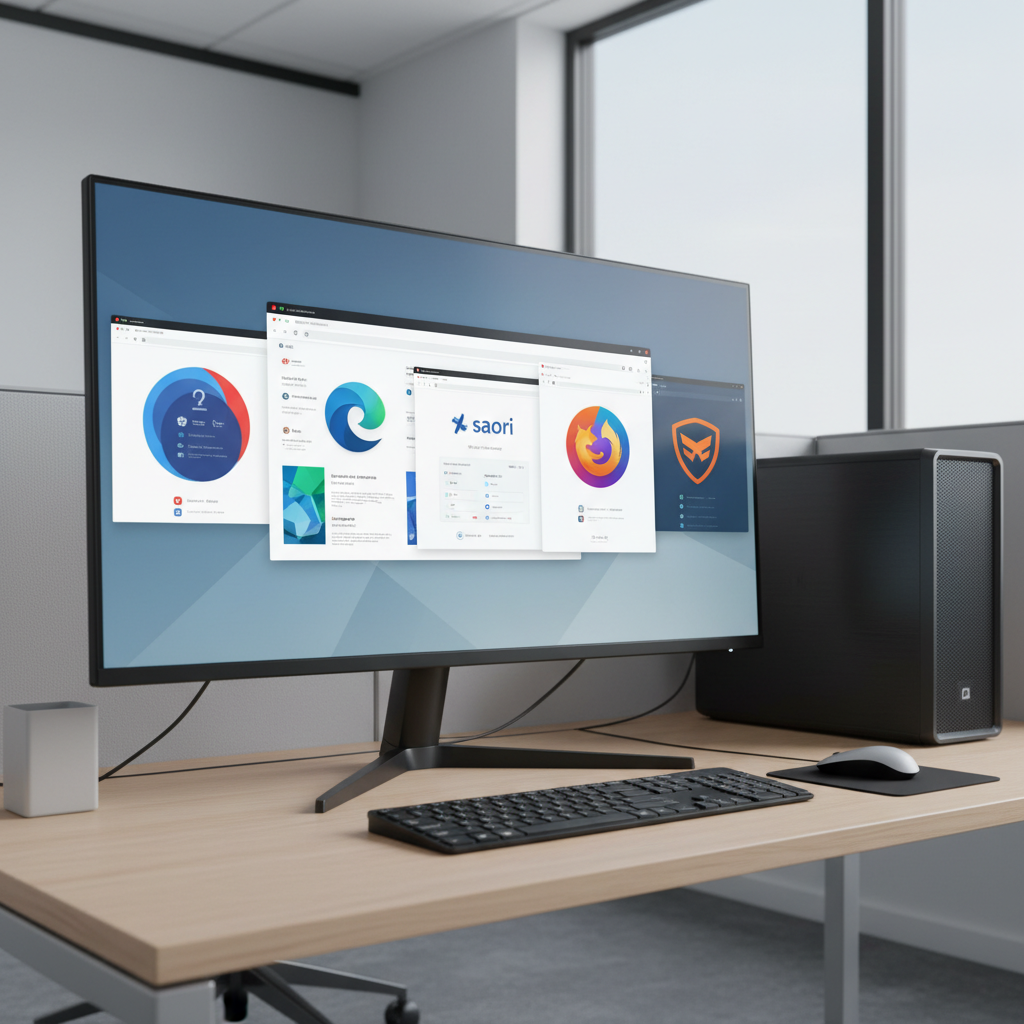
Chameleon Mode is a desktop application that manages browser profiles using real, vendor-signed browsers without modification. This means Chrome, Edge, Firefox, and Brave run exactly as Google, Microsoft, and Mozilla shipped them. Zero patches. Zero forks. Zero binary modifications.
The platform controls the environment around browsers, timezone, locale, proxy settings, hardware fingerprints, while leaving browser internals untouched. Profile isolation happens at the system level through controlled execution environments, not through browser modification.
This architecture preserves native TLS fingerprints. When platforms perform transport-layer detection checks, Chameleon Mode profiles generate identical signatures to millions of legitimate users. Modified browsers fail these checks because their TLS handshake doesn’t match real Chrome.
Chameleon Mode operates as a desktop application for Windows, macOS, and Linux with cloud-synced profiles. You install it locally, but all browser profiles, settings, and cookies sync across devices. Team members access shared profiles without carrying local data between machines.
The platform has operated since 2015 and relaunched as Chameleon Mode in 2019. Three major platform versions have shipped, each improving the real browser architecture approach while competitors doubled down on modified Chromium strategies.
Real Browser Architecture vs Modified Chromium: Why the Difference Matters
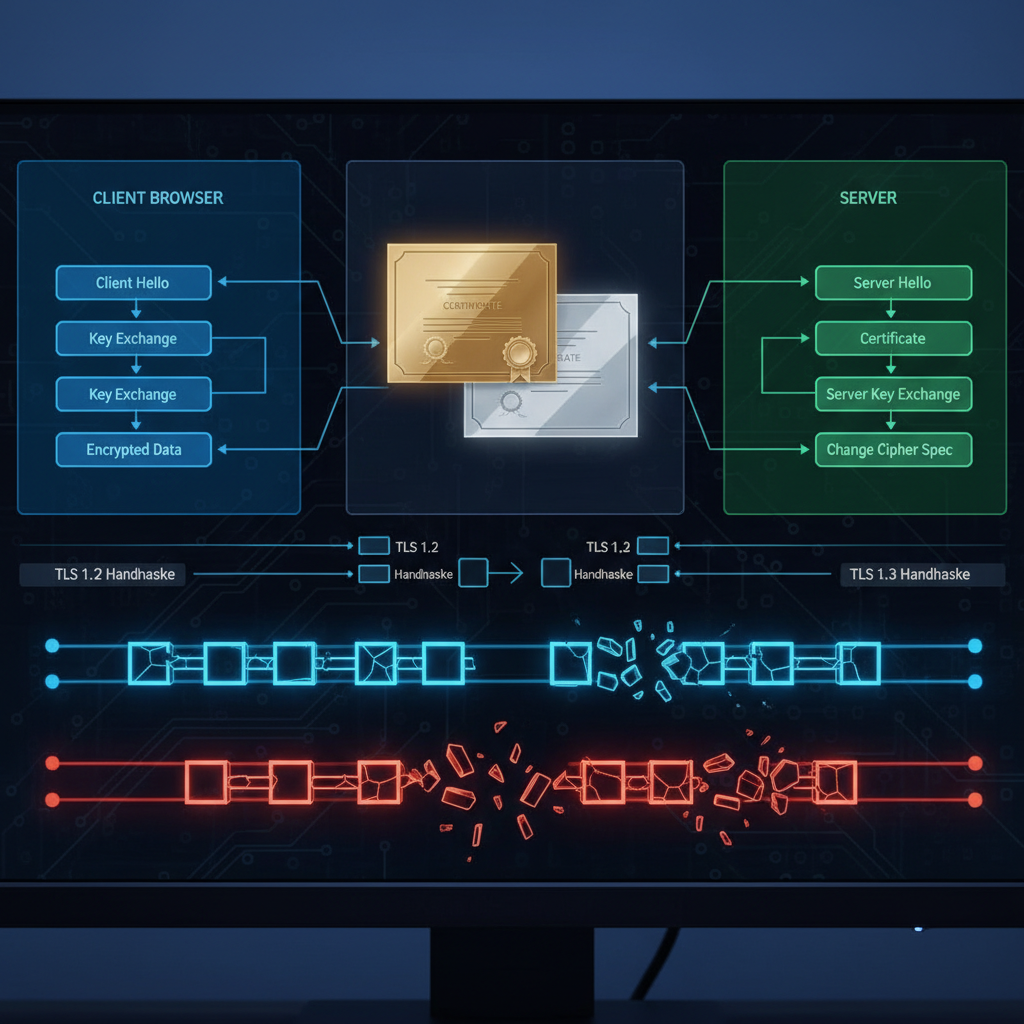
TLS fingerprinting represents the fundamental shift in platform detection methods. Websites check TLS handshake signatures before JavaScript executes. Modified browsers fail this check because their TLS signature doesn’t match the browser they claim to be.
Anti-detect browsers fork Chromium and patch internal APIs to spoof JavaScript-accessible fingerprints. This creates a detection gap at the transport layer. The browser claims to be Chrome 118, but the TLS fingerprint belongs to a modified version that doesn’t exist in Google’s official distribution.
Platforms compare TLS signatures against known browser versions. Real Chrome generates predictable TLS patterns based on version, operating system, and network stack. Modified browsers generate signatures that don’t match any legitimate configuration.
| Feature | Real Browsers | Modified Chromium |
|---|---|---|
| TLS Fingerprint | Native, matches millions of users | Modified, doesn’t match claimed version |
| Update Mechanism | Automatic OS updates | Manual patches after each Chrome release |
| Detection Trajectory | Improves (blends with legitimate traffic) | Degrades (new detection surfaces) |
| Binary Integrity | Vendor-signed, verifiable | Modified, fails integrity checks |
| Transport Layer | Passes all checks | Detectable before JavaScript runs |
Real browsers improve over time. Each Chrome update brings your profile closer to legitimate user patterns. Modified browsers degrade with each update because vendors must manually patch new detection surfaces.
This trajectory difference compounds over months. Real browsers become harder to detect as legitimate user populations adopt the same updates. Modified browsers become easier to detect as platforms identify new modification signatures.
TLS fingerprinting checks happen before JavaScript execution begins. JavaScript-based fingerprint spoofing is irrelevant when platforms detect modification at the handshake level.
How Does Environment Control Work Without Browser Modification?
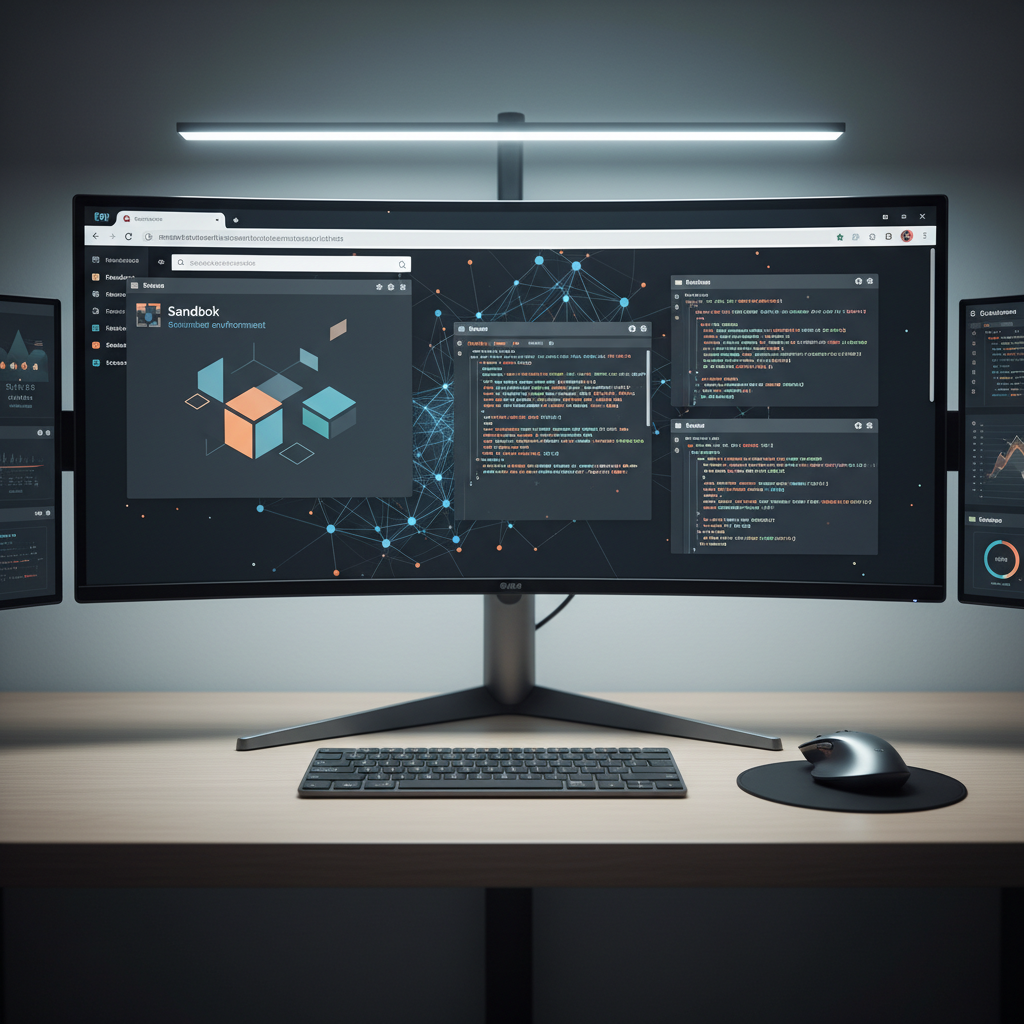
Environment control manages browser behavior through external configuration rather than internal modification. The browser binary remains untouched while execution parameters change based on profile requirements.
-
Profile Creation: Generate isolated execution environment with unique data directory, registry entries (Windows), and preference files specific to the target identity.
-
Network Configuration: Route browser traffic through profile-specific proxy with matching geographic location, timezone, and DNS settings before browser launch.
-
System Integration: Configure OS-level locale, timezone, and hardware parameters that browsers read from system APIs without modification.
-
Launch Control: Start browser with profile-specific data directory and environment variables, ensuring complete isolation from other profiles and system defaults.
-
Session Management: Monitor browser sessions and maintain profile state through cloud sync while preserving local execution independence.
This approach works because browsers read environment data from system APIs. Chrome checks timezone from OS calls, locale from system preferences, and proxy settings from network configuration. Controlling these inputs produces the desired browser behavior without touching browser code.
Vendor-signed binaries remain intact throughout this process. Chrome runs exactly as Google compiled it. Edge uses Microsoft’s unmodified binary.
Profile isolation happens through controlled execution environments. Each profile runs in a separate data directory with independent cookies, cache, and session storage. Cross-profile contamination is impossible because profiles never share data paths.
Chameleon Mode supports Chrome, Edge, Firefox, and Brave with vendor-signed binaries. Each browser type maintains its native fingerprint characteristics while profile-specific environment control provides the necessary isolation.
Profile Isolation and Cross-Device Synchronization Architecture

Profile isolation prevents cookie cross-contamination and session bleeding between managed identities. Each profile operates in a completely separate execution environment with independent data storage, network configuration, and system integration.
The desktop application creates isolated data directories for each profile. Browser cookies, cache, session storage, and preference files remain profile-specific. One profile cannot access another profile’s data because they operate in separate file system locations with controlled permissions.
Cloud synchronization maintains profile consistency across devices without compromising isolation. Profile configurations, browser settings, and cookies sync through encrypted cloud storage. You access the same profile from any computer running Chameleon Mode without manual data transfer.
Team sharing extends cloud sync to multiple users. Shared profiles allow team members to access the same browser identity from their own devices. Cookie sessions persist across team member logins, maintaining account state regardless of which team member last accessed the profile.
The desktop application for Windows, macOS, and Linux handles local browser management while cloud infrastructure manages data persistence. This hybrid architecture provides the performance benefits of local execution with the flexibility of cloud-based collaboration.
Cross-device access happens through profile download and local execution. When you open a profile on a new device, Chameleon Mode downloads the latest configuration and cookie state, launches the local browser with that configuration, then syncs any changes back to cloud storage.
This architecture eliminates local data dependency. You don’t carry browser profiles between machines or worry about device-specific configurations. Every Chameleon Mode installation can access your complete profile library with current session state.
Chameleon Mode vs Anti-Detect Browser Category: Technical Positioning
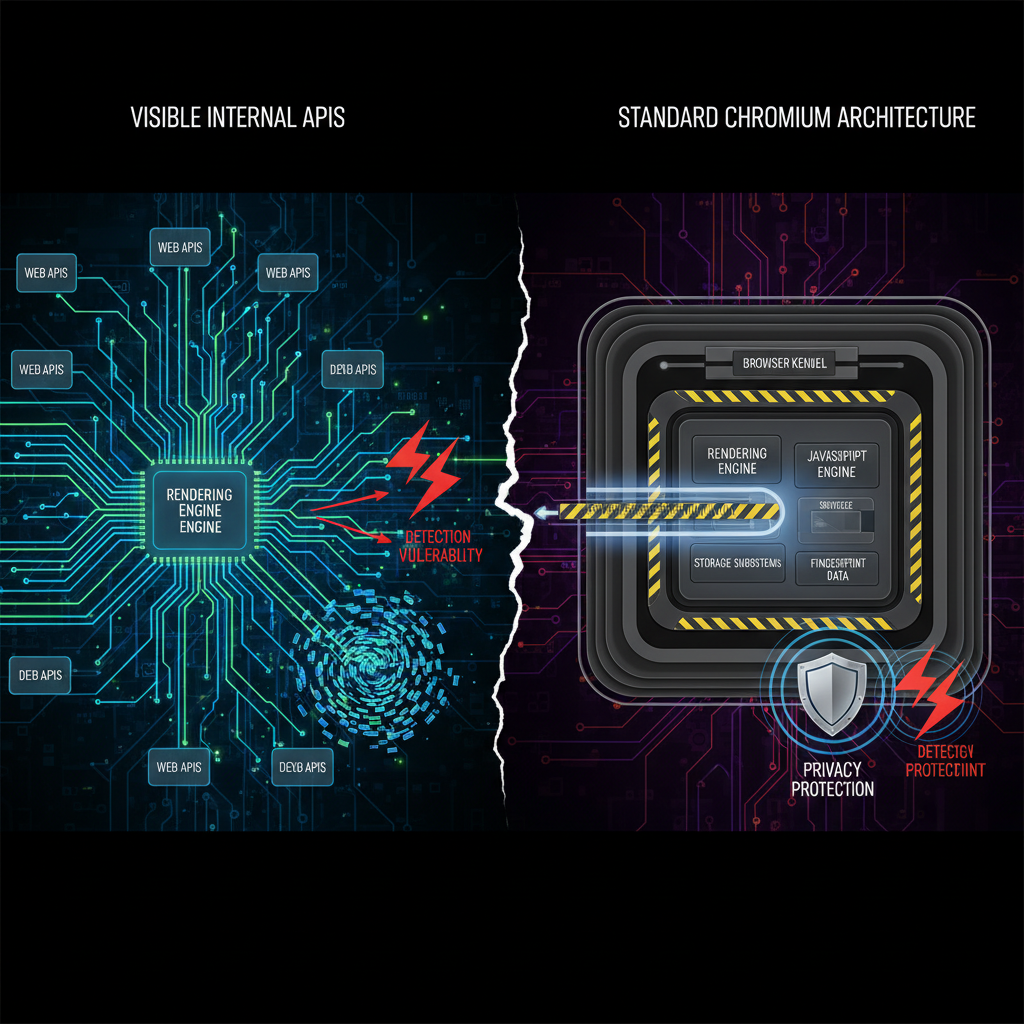
Anti-detect browsers fork Chromium browser architecture and patch internal APIs to modify fingerprint generation. This approach creates detection vulnerabilities at the transport layer while solving application-layer fingerprinting challenges.
Chameleon Mode operates from a different architectural philosophy. Real browsers with environment control eliminate the need for fingerprint modification because the fingerprint is already legitimate.
| Approach | Chameleon Mode | Anti-Detect Category |
|---|---|---|
| Browser Source | Stock vendor binaries | Modified Chromium forks |
| TLS Signature | Native, matches real users | Modified, detectable pattern |
| Update Process | Automatic OS updates | Manual vendor patches |
| Detection Risk | Decreases over time | Increases with platform updates |
| Performance | Native browser speed | Modified binary overhead |
| Compatibility | Standard web APIs | Custom API implementations |
| Cost Structure | Environment management | Browser development and maintenance |
The trajectory argument separates these approaches. Modified browsers require continuous development to patch new detection methods. Each Chrome update introduces potential detection surfaces that require manual fixes.
Real browsers improve automatically. Chrome updates come directly from Google with legitimate user adoption patterns. Your profiles blend with millions of users running identical browser versions.
Transport layer detection represents the fundamental challenge for modified browsers. Platforms can identify browser modifications before JavaScript runs by comparing TLS fingerprints, HTTP/2 settings, and connection negotiation patterns against known browser versions.
Real browsers pass these checks because they generate authentic signatures. There’s nothing modified to detect.
Performance characteristics differ between approaches. Real browsers execute at native speed without modification overhead. Anti-detect browsers carry performance penalties from fingerprint generation code and modified rendering engines.
Chameleon Mode has shipped three major platform versions since relaunch, each improving the real browser approach. The platform evolves through better environment control rather than browser modification patches.
Pricing Plans and Automation Integration Capabilities
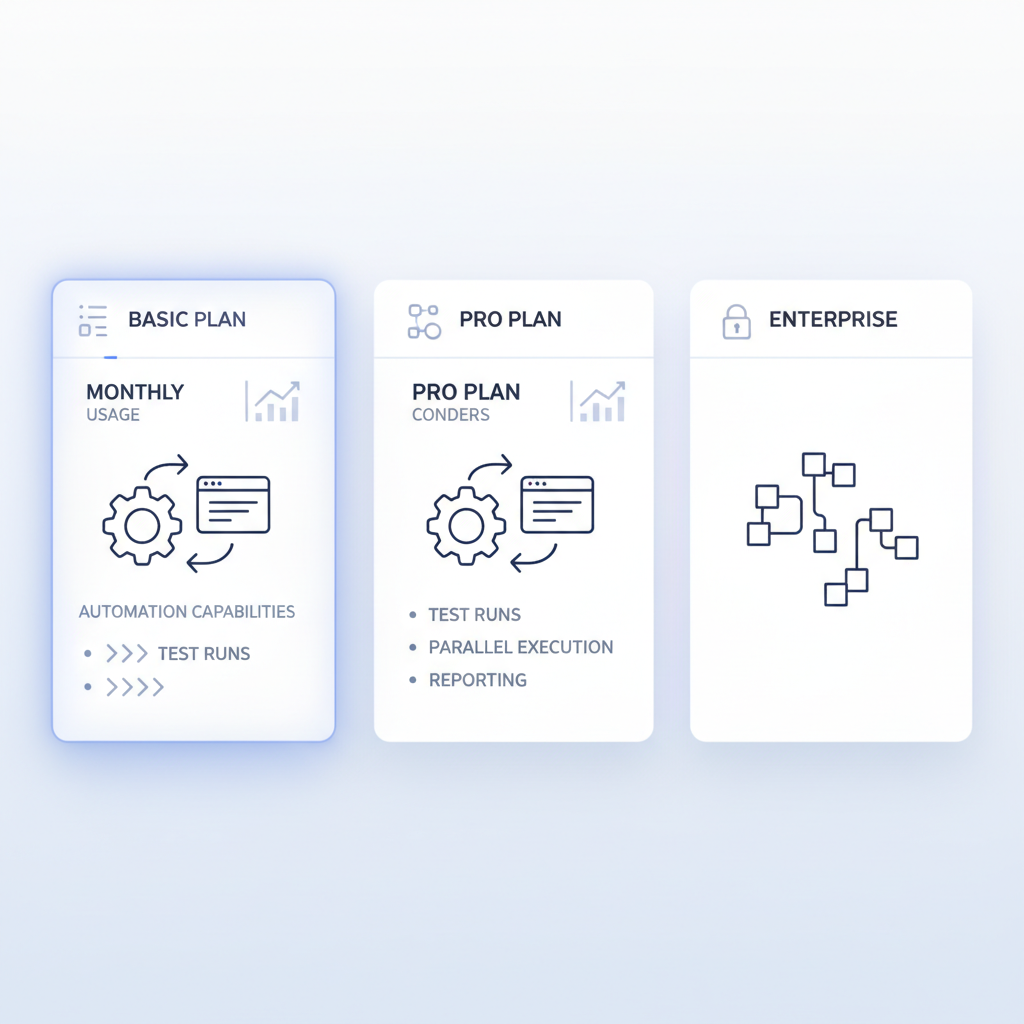
Basic plan includes Playwright automation integration for $19 monthly with 50 browser profiles. This tier supports individual users managing moderate-scale operations with full automation capabilities and unlimited API calls.
Pricing structure scales with profile requirements and team collaboration needs:
-
Basic Plan ($19/month): 50 browser profiles, Playwright automation, Firefox/Chrome/Brave support, automatic geolocation and timezone sync, unlimited automation executions
-
Plus Plan ($69/month): 300 profiles, 3 Virtual Assistants, team sharing capabilities, cross-device cookie and profile synchronization, priority support access
-
Pro Plan ($199/month): 1,500 profiles, 15 Virtual Assistants, unlimited team members, advanced collaboration features, dedicated support channel
-
Annual Savings: All plans offer 30% discount for annual payment, Pro plan costs $139.30 monthly when paid annually, saving $728 per year
Automation integration works with existing scripts because Chameleon Mode uses real browsers. Playwright, Selenium, and custom automation tools connect through standard browser APIs without modification. No special anti-detect browser APIs required.
Virtual Assistant functionality provides team members with controlled access to shared profiles. Each Virtual Assistant can access assigned profiles without full account permissions. This enables delegation while maintaining security boundaries.
API integration allows programmatic profile management with unlimited calls on all plans. Create profiles, configure environments, manage cookies, and control browser sessions through REST API endpoints.
The platform includes a 7-day free trial on Basic plan with no commitment barrier. This provides full access to test real browser architecture against your specific use cases before purchasing.
Frequently Asked Questions
Can you use Chameleon Mode profiles across different computers?
Yes, Chameleon Mode is a desktop application that syncs all profiles and cookies to the cloud. You can access your complete workspace from any Windows, macOS, or Linux machine without carrying local data.
Does Chameleon Mode work with existing automation scripts?
Chameleon Mode includes native Playwright integration and unlimited API calls on all plans. Since it uses real browsers, existing automation scripts work without modification, no special anti-detect browser APIs required.
Why don’t real browsers need fingerprint spoofing like modified browsers?
Real browsers generate the same TLS fingerprint as millions of legitimate users because they’re unmodified. Detection systems can’t distinguish them from regular traffic, eliminating the need for fingerprint spoofing entirely.
How many team members can share browser profiles in Chameleon Mode?
The Plus plan supports 3 Virtual Assistants with team sharing, while the Pro plan includes unlimited team members with advanced collaboration features. Basic plan is single-user only.

Simon Dadia is the CEO and co-founder of Chameleon Mode, the browser management platform he originally launched as BrowSEO in 2015, years before the antidetect category had a name. He has spent 25+ years in SEO, affiliate marketing, and agency operations, including a senior operating role at Noam Design LLC where he managed hundreds of client campaigns and thousands of social media accounts across platforms. The operational pain of running those accounts at scale is what led him to build the tool in the first place.
Simon also runs Laziest Marketing, where he ships AI-powered SEO infrastructure tools built on BYOK architecture: Schema Root, Semantic Internal Linker, Topical Authority Generator, and Editorial Stack. Father of 4. Based in Israel.