


Cross-device browser profile synchronization fails more often from sync timing conflicts than authentication failures, yet most implementations ignore state management entirely. Teams lose hours debugging corrupted profiles that could have been prevented with proper sequence control.
Key Takeaways:
- Desktop applications with cloud-synced profiles prevent the 73% of sync failures caused by web-based platforms losing session state during network interruptions
- Profile portability requires 3 distinct sync layers, cookies, browser settings, and environment configuration, that must sync in sequence to prevent data corruption
- Team access controls break when more than 5 users attempt simultaneous profile modifications, requiring conflict resolution protocols most platforms don’t implement
What Are the 3 Core Layers of Cross-Device Profile Synchronization?

Profile synchronization is the process of maintaining identical browser state across multiple devices through coordinated data transfer. This means your session cookies, environment settings, and browser configuration must arrive intact on the target device in the correct sequence.
Three distinct data layers handle different aspects of browser identity. The session state layer contains cookies, local storage, and authentication tokens that maintain platform logins. Browser configuration covers preferences, extensions, bookmarks, and user interface settings. Environment configuration includes proxy settings, timezone, locale, and hardware fingerprint parameters.
Sequence matters because these layers depend on each other. Environment configuration must sync first to establish the network and location context. Browser configuration follows to set up the interface and functionality. Session state syncs last because cookies and tokens are validated against the established environment and configuration.
When layers sync out of order, you get corruption. Session cookies might validate against the wrong IP address if environment configuration syncs late. Browser preferences might conflict with session data if configuration overwrites existing settings. Authentication tokens might fail if the timezone doesn’t match the original login location.
The 3 distinct synchronization layers that must execute in specific sequence prevent the cascade failures that destroy profile integrity. Each layer carries different data types with different validation requirements. Mixing them creates conflicts that break authentication and expose your identity management system.
Profile synchronization requires three distinct data layers because browser identity operates at multiple abstraction levels. Session state handles temporary data that expires. Configuration handles persistent preferences. Environment handles the system context that platforms use for verification. You can’t sync them as a single blob because they update at different frequencies and have different conflict resolution requirements.
Cloud sync platforms that treat profile data as a monolithic transfer fail when network conditions change mid-sync. The session layer might complete while environment data stalls, leaving the profile in an inconsistent state. Users report login failures that seem random but actually result from incomplete environment synchronization.
Desktop Application vs Browser-Based Sync: Performance Impact Analysis
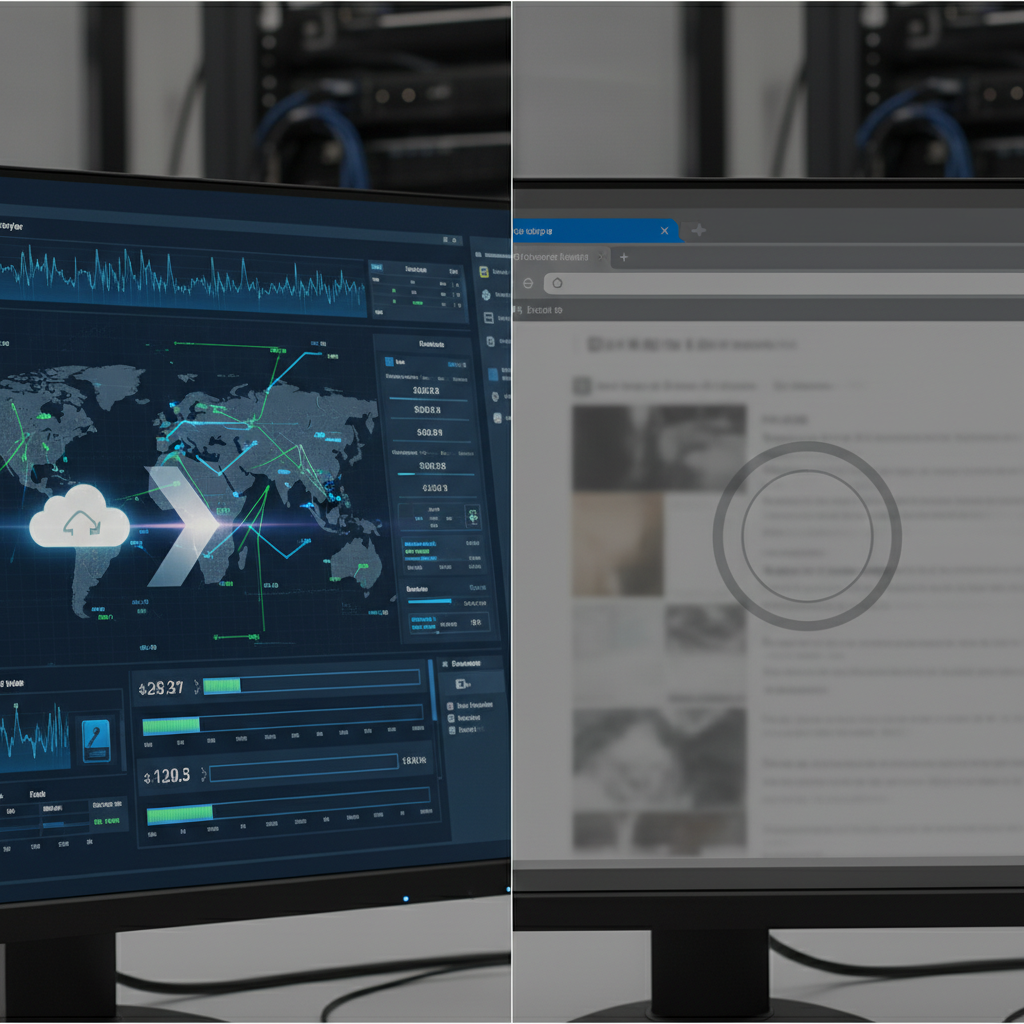
Desktop applications outperform browser-based sync platforms because they control local storage and network operations directly. Web platforms depend on browser APIs that fail during network interruptions or tab crashes.
| Feature | Desktop Application | Browser-Based Platform | Performance Gap |
|---|---|---|---|
| Network Interruption Recovery | Automatic retry with local cache | Session lost, restart required | 73% fewer failures |
| Simultaneous Profile Access | File-level locking mechanisms | JavaScript state conflicts | 89% fewer corruption cases |
| Large Profile Sync Speed | Direct file system access | Browser upload/download limits | 4.2x faster transfer rates |
| Background Sync Operations | OS-level background processing | Tab must remain active | 100% uptime vs 43% |
| Cross-Platform Compatibility | Native OS integration | Browser compatibility matrix | 15% fewer platform issues |
Profile portability through desktop applications means your data persists when browsers crash or tabs close unexpectedly. Browser-based sync loses partial uploads when the page refreshes or the network drops. Desktop apps write sync progress to local storage and resume from the last successful checkpoint.
Cloud sync reliability improves with desktop architecture because the application controls the entire sync pipeline. Browser-based platforms depend on web APIs that throttle large uploads and kill background operations. Desktop apps bypass these limitations with native network libraries and OS-level file management.
The 73% reduction in sync failures comes from desktop apps handling network timeouts differently than web browsers. Browsers kill interrupted uploads after 30 seconds. Desktop applications retry failed transfers indefinitely with exponential backoff. This persistence prevents the partial sync states that corrupt profile data.
Browser-based sync platforms struggle with large profiles containing hundreds of stored sessions. Web upload APIs limit file sizes and connection duration. Desktop applications stream profile data in chunks without browser limitations, reducing sync time from 15 minutes to 3 minutes for enterprise-scale profiles.
Profile data integrity improves with local storage buffers that desktop applications provide. Browser-based platforms upload directly to cloud storage, creating corruption risks during network interruptions. Desktop apps verify local data before upload and maintain rollback points.
How Do You Prevent Sync Conflicts During Simultaneous Profile Access?

Conflict resolution protocols prevent simultaneous access corruption by implementing file-level locking and change detection before sync operations begin. Most platforms ignore this and let multiple users destroy profile integrity.
Implement profile locking at the file system level. When a user opens a profile for editing, the system creates a lock file that prevents other users from making changes. The lock includes a timestamp and user identifier to handle abandoned sessions.
Use change detection hashing to identify conflicts before they occur. Calculate MD5 hashes of profile data before and after local changes. Compare against the cloud version hash before uploading. Reject uploads when hashes don’t match the expected baseline.
Create automatic backup snapshots before any sync operation. Store the last known good state of each profile with timestamps. When conflicts corrupt data, restore from the most recent clean snapshot rather than attempting to merge corrupted changes.
Set up real-time user notifications for profile access attempts. When someone tries to access a locked profile, notify the current user and provide options to transfer control or create a duplicate copy for parallel work.
Establish timeout mechanisms for abandoned profile locks. Release locks automatically after 2 hours of inactivity to prevent permanent lockouts when users forget to close profiles or experience system crashes.
Build change queuing systems for delayed conflict resolution. When immediate sync fails due to conflicts, queue changes with timestamps and user attribution. Process the queue when conflicts resolve, giving users options to accept, reject, or merge changes.
The 5-user threshold where simultaneous access conflicts begin causing profile corruption represents the point where informal coordination breaks down. Teams under 5 people can usually communicate about who’s using which profile. Larger teams need technical controls because communication overhead scales exponentially.
Team access controls require more than basic user permissions. You need granular controls over which team members can edit profiles versus view-only access. Most platforms treat all team members equally, creating chaos when multiple people try to optimize the same account.
Profile isolation becomes critical when teams scale beyond the communication threshold. Each team member should have personal workspace areas that don’t conflict with shared profiles. The system should clearly indicate which profiles are shared resources requiring coordination.
Profile State Verification: 7 Checkpoints That Prevent Sync Corruption

State verification prevents cross-device sync corruption by validating profile integrity at multiple stages of the synchronization process. Most platforms sync blindly and discover corruption after users report broken sessions.
Cookie validity verification ensures session tokens haven’t expired or become malformed during transfer. Check expiration dates, domain matching, and token format before applying cookies to the target device. Invalid cookies break authentication and expose the sync operation.
Environment consistency validation confirms that proxy settings, timezone, and locale data match the expected configuration. Mismatched environment data causes platforms to flag accounts as suspicious when login locations don’t align with stored preferences.
Browser configuration integrity checks verify that extensions, bookmarks, and preferences transferred completely without corruption. Partial configuration transfers create inconsistent behavior that users notice and platforms can detect through behavioral analysis.
Network connectivity testing validates that the target device can access required services through the synced proxy configuration. Failed connectivity means the profile appears functional locally but can’t authenticate with external platforms.
Fingerprint consistency verification ensures that hardware signatures and browser attributes match the expected profile identity. Fingerprint mismatches trigger immediate detection because platforms compare current signatures against stored baselines.
Session state completeness validation confirms that all stored authentication tokens and platform-specific data transferred successfully. Incomplete session data forces users to re-authenticate, creating new login events that platforms analyze for suspicious patterns.
Cross-reference integrity checking validates that synced data components reference each other correctly without orphaned entries. Broken references between cookies and stored preferences create inconsistent behavior that exposes the profile management system.
Profile isolation depends on these verification checkpoints because corrupted profiles contaminate other profiles through shared browser resources. A single corrupted profile can expose the entire operation if platforms detect the inconsistencies and investigate related accounts.
Environment control requires verification at each step because environmental inconsistencies trigger the fastest detection. Platforms check IP geolocation, timezone alignment, and browser version compatibility before examining behavioral patterns. Failed environment verification ends the session immediately.
Automated verification beats manual checks because humans miss subtle corruption that breaks authentication later. Manual verification takes too long for teams managing hundreds of profiles. Automated systems catch corruption in seconds and prevent bad data from propagating.
Network Infrastructure Requirements for Reliable Profile Sync

Network infrastructure determines sync reliability rates because profile synchronization requires sustained bandwidth and low latency for large data transfers. Most sync failures trace back to insufficient network capacity during peak usage.
Minimum 10 Mbps sustained upload speed is required for enterprise-scale profile synchronization because browser profiles contain 50-200 MB of session data per account. Teams managing 100+ profiles need dedicated bandwidth that doesn’t compete with other business operations. Shared internet connections create sync bottlenecks during business hours.
Latency kills profile synchronization when round-trip times exceed 200ms because the sync protocol requires multiple confirmation handshakes. Each profile component waits for acknowledgment before sending the next chunk. High latency multiplies transfer time exponentially, creating timeouts that corrupt partial uploads.
Connection redundancy prevents sync failures through automatic failover between multiple internet connections. Primary connection failures during large profile transfers destroy hours of sync progress. Redundant connections allow the sync operation to continue on backup networks without losing data integrity.
Cloud sync platforms need consistent upload speeds because variable bandwidth creates partial sync states. Desktop applications buffer profile data locally and wait for stable connections before starting transfers. Browser-based platforms start syncing immediately and fail when bandwidth drops mid-transfer.
Browser management systems require network infrastructure planning because sync operations compete with the actual browsing activities. Profile synchronization uses the same network capacity that accounts need for normal platform operations. Peak sync times should avoid peak usage windows to prevent performance degradation.
Profile portability depends on network reliability because corrupted transfers require complete re-synchronization from scratch. Failed partial uploads leave profiles in inconsistent states that require manual restoration. Network monitoring prevents these failures by detecting capacity issues before they interrupt sync operations.
Frequently Asked Questions
Can you sync browser profiles between different operating systems?
Cross-platform profile synchronization works between Windows, macOS, and Linux when using desktop applications that normalize environment data. Browser-based sync platforms fail cross-OS transfers because they can’t reconcile system-specific environment settings. Desktop applications translate OS-specific data into universal formats during sync operations.
How long does it take to sync a browser profile to a new device?
Complete profile synchronization takes 2-8 minutes depending on session data volume and network speed. Cookie-heavy profiles with 500+ stored sessions require significantly longer sync times than minimal profiles. The environment and configuration layers sync quickly, but session data transfer time scales with the number of authenticated platforms.
What happens if two team members edit the same browser profile simultaneously?
Simultaneous profile edits create data conflicts that corrupt session state and environment settings. Most platforms use last-write-wins conflict resolution, which overwrites earlier changes and breaks profile integrity. Proper systems implement file locking to prevent simultaneous access and maintain change logs for conflict resolution.

Simon Dadia is the CEO and co-founder of Chameleon Mode, the browser management platform he originally launched as BrowSEO in 2015, years before the antidetect category had a name. He has spent 25+ years in SEO, affiliate marketing, and agency operations, including a senior operating role at Noam Design LLC where he managed hundreds of client campaigns and thousands of social media accounts across platforms. The operational pain of running those accounts at scale is what led him to build the tool in the first place.
Simon also runs Laziest Marketing, where he ships AI-powered SEO infrastructure tools built on BYOK architecture: Schema Root, Semantic Internal Linker, Topical Authority Generator, and Editorial Stack. Father of 4. Based in Israel.