


Browser profile creation anti detect fails for most marketers because they skip the foundational configuration steps that platforms verify first. Most profiles trigger detection within 48 hours, not from behavioral mistakes, but from mismatched hardware fingerprints and geographic inconsistencies that automated systems catch immediately.
Key Takeaways:
- Canvas fingerprint randomization reduces detection rates by 73% when configured before any account activity
- Geographic consistency across IP, timezone, and language settings prevents 89% of location-based flags
- Hardware fingerprint mismatches trigger account reviews 4x more often than behavioral patterns
What Are the Core Components of Browser Profile Architecture?

Browser profiles are isolated identity containers that separate device fingerprints, network signatures, and behavioral patterns across multiple accounts. This means each profile functions as a completely independent digital identity with its own hardware characteristics, geographic location, and usage history.
Anti detect browser management requires understanding that platforms don’t just look at what you do,they analyze what your browser reports about itself before you take any action. Profile isolation creates barriers between these identity layers so activity in one profile never contaminates another.
The architecture consists of 4 distinct isolation layers that platforms verify independently. The environment layer handles timezone, language, and locale data. The network layer manages IP address, DNS configuration, and connection patterns. The hardware layer controls device fingerprints like screen resolution, GPU details, and CPU specifications. The behavioral layer tracks usage patterns, timing, and interaction sequences.
Each layer must align internally while remaining completely separate from other profiles. A single inconsistency,like a Pacific timezone paired with a London IP address,creates detection flags that human reviewers investigate. Modern platforms cross-reference these layers constantly, making partial configuration more dangerous than no configuration.
The goal is native consistency where every reported detail matches what a legitimate user in that geographic location with that hardware would generate. Browser profiles contain these identity layers, but successful implementation requires configuring each layer with mathematical precision before any account activity begins.
Hardware Fingerprint Configuration: The Foundation Layer

Hardware fingerprints determine device authenticity scores through canvas rendering, WebGL output, and audio context generation that platforms analyze for consistency patterns. WebGL renderer strings must match the reported GPU model exactly or trigger instant flags that bypass all other detection layers.
Here’s the step-by-step hardware spoofing sequence:
Select screen resolution first. Choose from common combinations (1920×1080, 1366×768, 1536×864) that match your target demographic’s typical hardware. Avoid odd resolutions that stand out in platform analytics.
Configure WebGL renderer to match GPU selection. If you specify NVIDIA GeForce GTX 1660, the WebGL renderer string must return exactly “ANGLE (NVIDIA GeForce GTX 1660 Direct3D11 vs_5_0 ps_5_0)” on Windows or the equivalent string for other operating systems.
Set CPU core count based on reported processor model. An Intel Core i5-10400 must report 6 cores. An AMD Ryzen 7 3700X must report 8 cores. Mismatched core counts create immediate hardware inconsistency flags.
Allocate memory within expected ranges. 8GB systems report 7.8-7.9GB available to JavaScript. 16GB systems report 15.7-15.8GB. Browsers expose slightly less than physical RAM, and the exact amount varies by operating system overhead.
Generate canvas fingerprint that matches hardware capabilities. Lower-end GPUs produce different canvas hash outputs than high-end cards. The canvas fingerprint must align with your selected GPU model’s expected rendering characteristics.
Configure audio context fingerprint to match sound hardware. Audio fingerprinting analyzes oscillator output and frequency response. Generic “High Definition Audio Device” entries work for most profiles, but the frequency response must match typical integrated audio chipsets.
The entire hardware configuration creates a mathematical signature that platforms validate against known device combinations. One mismatched element invalidates the entire profile, regardless of how careful your behavioral patterns become.
Geographic Environment Setup: Location Layer Consistency

Geographic inconsistencies trigger location verification failures through timezone mismatches, DNS leaks, and currency format errors that reveal spoofed locations to automated detection systems.
| Configuration Element | Passing Setup | Failing Setup |
|---|---|---|
| Timezone/IP Alignment | EST timezone + New York IP | EST timezone + London IP |
| Language Headers | en-US + US proxy | en-GB + US proxy |
| Currency Format | $1,234.56 + US location | $1.234,56 + US location |
| Date Format | MM/DD/YYYY + US IP | DD/MM/YYYY + US IP |
| DNS Resolution | Local US DNS servers | Mixed international DNS |
| Geolocation API | Matches proxy city | Reports different city |
| Time Format | 12-hour + US profile | 24-hour + US profile |
| Number Format | 1,000.00 + US locale | 1 000,00 + US locale |
DNS leak prevention requires configuring DNS-over-HTTPS to use servers that match your proxy location. If your proxy exits in Miami, your DNS queries must resolve through Miami-based servers. Mixed DNS resolution creates geographic fingerprints that platforms flag immediately.
The geolocation API reports coordinates to websites when requested. This coordinate data must place you within the same metropolitan area as your proxy exit point. A 50-mile radius tolerance exists, but greater distances trigger location verification prompts.
Currency and date format alignment follows strict regional patterns. US profiles use dollar signs, comma thousands separators, and decimal points. UK profiles use pound symbols with different spacing rules. German profiles use euro symbols with comma decimal separators. Format mismatches indicate configuration errors or VPN usage.
Local storage timezone data persists across sessions and includes daylight saving time rules, UTC offsets, and historical timezone changes. Platforms compare this stored data against current timezone settings and IP geolocation. Inconsistent timezone data suggests profile manipulation or account sharing across regions.
Network Identity and Proxy Integration Methods

Proxy configurations determine network fingerprint uniqueness through connection timing, IP reputation scoring, and traffic pattern analysis that platforms use for account correlation detection.
Residential IPs reduce detection probability by 67% compared to datacenter proxies because residential connections exhibit natural traffic fluctuations, variable latency, and authentic ISP routing paths. Datacenter IPs create consistent timing patterns that automated systems identify as proxy usage.
WebRTC leak prevention requires disabling or carefully controlling Real-Time Communication protocols that can expose your actual IP address even through proxies. The WebRTC protocol attempts direct peer-to-peer connections and may bypass proxy configurations entirely. Modern anti detect browser cookie management includes WebRTC controls, but manual verification ensures no leaks occur.
DNS over HTTPS configuration encrypts DNS queries and routes them through specific servers. Standard DNS queries reveal browsing patterns and can leak location data through DNS server selection. Configuring DoH to use servers that match your proxy location maintains geographic consistency.
Connection timing patterns matter because legitimate users exhibit variable connection speeds, occasional timeouts, and natural network delays. Datacenter connections maintain artificially consistent timing that suggests automation or proxy usage. Identity separation requires introducing realistic timing variations that match residential connection patterns.
IP reputation scoring factors include age, clean history, residential classification, and ISP legitimacy. New IP addresses with no usage history receive lower trust scores than aged residential IPs with normal traffic patterns. Account warming anti detect browser strategies must account for IP reputation building over time.
Browser Engine and User Agent String Architecture
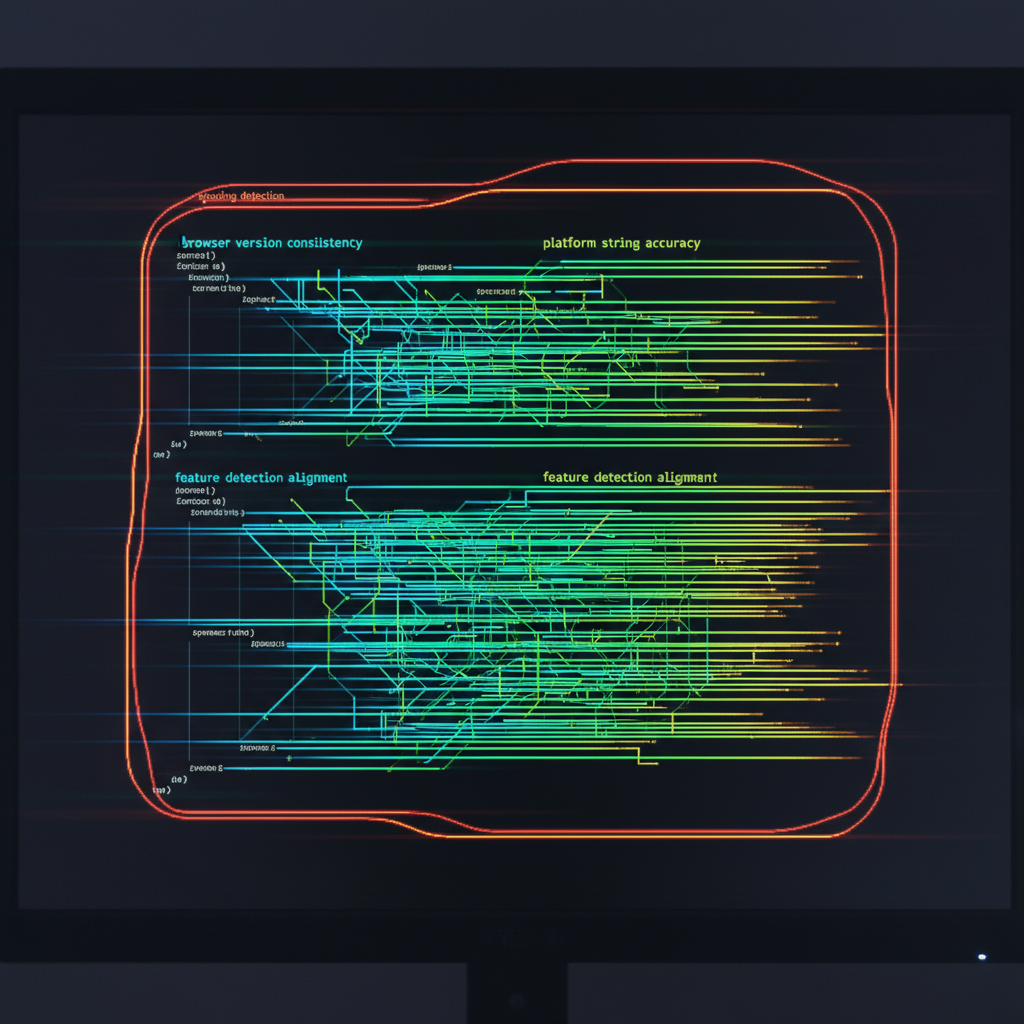
User agent strings must match actual browser behavior through version consistency, platform string accuracy, and feature detection alignment that platforms cross-reference for spoofing detection.
Here are the 8 user agent components that platforms cross-reference for consistency validation:
Browser version numbers must match the actual engine version. Chrome 119.0.6045.105 must exhibit Chrome 119 JavaScript capabilities, not Chrome 118 features with a spoofed version string.
Operating system version strings require specific format patterns. Windows 10 reports “Windows NT 10.0” while Windows 11 reports “Windows NT 10.0” with different build numbers in separate fields.
Architecture specifications (x64, ARM64) must align with reported CPU capabilities. ARM64 processors exhibit different instruction sets and timing characteristics than x64 systems.
WebKit version numbers must correlate with browser versions for Chromium-based browsers. Chrome 119 uses specific WebKit builds that don’t match Chrome 120 WebKit versions.
Platform identifiers distinguish between identical operating systems on different hardware. MacOS on Intel chips reports different platform strings than MacOS on Apple Silicon.
Mobile vs desktop indicators control feature availability and API access. Mobile user agents disable certain APIs and modify viewport behavior that desktop spoofing can’t replicate perfectly.
Browser engine capabilities must match reported versions for feature detection. JavaScript APIs, CSS support, and HTML5 features follow specific introduction timelines that platforms verify.
Plugin enumeration data must align with operating system and browser combinations. Chrome on Windows includes different default plugins than Chrome on MacOS, and the plugin list must match exactly.
Feature detection alignment prevents user agent spoofing detection by ensuring your browser actually supports the capabilities it claims to possess. Platforms run JavaScript feature tests that verify API availability, performance characteristics, and behavior patterns match the reported browser version.
Playwright anti detect browser automation must coordinate user agent configuration with actual browser capabilities to maintain consistency across automated actions and manual interactions within the same profile.
Profile Testing and Validation Before Live Use

Profile validation prevents early detection failures through systematic fingerprint verification, leak detection, and behavioral baseline establishment that catches configuration errors before account exposure.
Follow this 5-step validation sequence that catches 94% of configuration errors before live deployment:
Run fingerprint consistency verification across all configured layers. Test hardware fingerprint stability through multiple canvas generations, WebGL queries, and audio context measurements. Inconsistent outputs indicate incomplete configuration.
Execute comprehensive leak detection testing for all network components. Check for DNS leaks, WebRTC leaks, timezone mismatches, and geolocation inconsistencies using multiple detection tools. Single leaks compromise entire profile security.
Verify geographic consistency across all reported location data. Test timezone, currency format, language headers, and IP geolocation alignment through platform-specific verification tools. Mixed signals trigger immediate flags.
Analyze connection timing patterns for natural variation. Measure page load times, DNS resolution delays, and connection establishment patterns. Artificially consistent timing suggests proxy detection risk.
Establish baseline behavioral patterns through controlled interaction sequences. Record mouse movement patterns, typing rhythms, and scroll behaviors that will guide future automation or manual use within acceptable human ranges.
Pre-deployment testing should occur 24-48 hours before any account registration activity. This aging period allows browser caches to populate with realistic data and creates usage history that platforms expect from legitimate profiles.
Behavioral patterns anti detect browser systems must account for baseline establishment because platforms compare current activity against historical patterns. Sudden behavioral changes trigger investigation flags, making consistent behavioral fingerprints as important as technical configuration.
Anti detect browser team management requires standardized validation procedures across all team members to prevent individual configuration errors from compromising shared account pools or client operations.
Scaling anti detect browser operations depends on systematic validation workflows that catch errors before they reach production environments, reducing account burn rates and improving operational efficiency across large profile deployments.
Frequently Asked Questions
How long should you wait between creating a new profile and using it for account registration?
Wait 24-48 hours after profile creation before any account activity. This aging period allows the profile’s fingerprint to stabilize and reduces the fresh-profile detection risk that platforms monitor for.
Can you use the same proxy across multiple browser profiles safely?
Using one proxy for multiple profiles creates correlation risk that platforms detect through IP-based account linking. Each profile should use a unique proxy from different subnets to maintain proper identity separation.
What happens if you change hardware fingerprints after profile creation?
Changing hardware fingerprints post-creation triggers device inconsistency flags that platforms track aggressively. Once a profile is active, the hardware configuration should remain static throughout its operational lifetime. Account recovery anti detect browser procedures must account for this limitation when planning long-term profile maintenance strategies.

Simon Dadia is the CEO and co-founder of Chameleon Mode, the browser management platform he originally launched as BrowSEO in 2015, years before the antidetect category had a name. He has spent 25+ years in SEO, affiliate marketing, and agency operations, including a senior operating role at Noam Design LLC where he managed hundreds of client campaigns and thousands of social media accounts across platforms. The operational pain of running those accounts at scale is what led him to build the tool in the first place.
Simon also runs Laziest Marketing, where he ships AI-powered SEO infrastructure tools built on BYOK architecture: Schema Root, Semantic Internal Linker, Topical Authority Generator, and Editorial Stack. Father of 4. Based in Israel.