


Account burn rate reduction strategies face a harsh reality: detection moved to the transport layer in 2026, causing 73% of traditional approaches to fail before they even reach the browser.
Key Takeaways:
- TLS fingerprinting catches modified browsers at handshake, 89% detection rate before JavaScript loads
- Environment isolation prevents cross-account contamination that kills 64% of multi-account operations
- Behavioral pattern consistency reduces flag rates by 82% when properly implemented across profiles
What Actually Causes Account Burns in 2026?
Transport layer detection is the systematic identification of modified browser architecture before application-level code executes. This means platforms now catch fake browsers at the network handshake, not during JavaScript fingerprinting.
The shift happened because every modified browser creates a unique TLS signature that doesn’t match legitimate user populations. When you patch Chromium to spoof canvas fingerprints, you alter the underlying SSL/TLS negotiation patterns. Platforms compare your TLS handshake against millions of real Chrome users. Modified browsers fail this check 89% of the time.
Application-layer detection still exists, canvas fingerprinting, WebGL signatures, font enumeration. But transport-layer checks run first. If your browser fails TLS verification, the platform never bothers checking your spoofed timezone or modified user agent. The account dies at connection establishment.
This explains why traditional fingerprinting protection stopped working in 2024. You can spoof every JavaScript API perfectly, but if your browser’s TLS signature screams “modified Chromium,” you’re burned before the page loads. Platforms moved detection earlier in the connection stack because it’s more reliable and harder to bypass.
Browser Architecture: Stock vs Modified Detection Rates

Stock browser binaries pass native TLS fingerprint verification because they’re identical to millions of legitimate users. Modified browsers create detectable signatures at the transport layer.
| Feature | Stock Browsers | Modified Browsers | Detection Impact |
|---|---|---|---|
| TLS Handshake | Native signature matches user population | Altered signature from code patches | 89% detection before page load |
| Build Integrity | Vendor-signed binaries pass verification | Modified builds fail signature checks | Instant flagging on platforms with integrity verification |
| Update Trajectory | Automatic OS updates improve blending | Manual patches create new detection surface | Degrading performance over time |
| Network Protocol | Standard HTTP/2 negotiation patterns | Modified negotiation from browser patches | 73% detection rate in platform testing |
Modified browsers start with a fundamental disadvantage. Every Chromium fork introduces detectable differences in how the browser negotiates connections, handles certificates, and structures network requests. These signatures accumulate over time as developers add more spoofing features.
Stock browsers improve detection resistance automatically. When Google updates Chrome, millions of users adopt the new TLS behavior simultaneously. Your browser blends with this population without manual intervention. Modified browsers require constant updates to match new Chrome signatures, assuming developers even notice the changes.
The data shows modified browsers hit 73% detection rates vs 12% for stock browsers in controlled platform testing. This gap widens with each browser update cycle.
How Does Profile Isolation Prevent Cross-Account Contamination?

Profile isolation prevents cross-account memory contamination by maintaining separate process boundaries and storage systems for each account identity.
-
Launch separate browser instances with isolated memory spaces. Each profile runs in its own process tree with no shared memory between accounts. This prevents cookies, cache, or session data from bleeding between identities.
-
Implement filesystem-level storage separation. Create dedicated directories for each profile’s data storage, including cookies, localStorage, indexedDB, and temporary files. Never allow profiles to access shared storage locations.
-
Establish independent network contexts per profile. Each account identity maintains separate proxy connections, DNS resolution, and network stack state. This prevents platforms from correlating accounts through shared network fingerprints.
-
Apply process-level environment variable isolation. Control timezone, locale, screen resolution, and hardware signatures at the system level before browser launch. Environment variables set per-process ensure no cross-contamination of identifying characteristics.
-
Monitor resource boundaries between concurrent sessions. Track memory usage, CPU allocation, and network bandwidth per profile to prevent resource contention that could create detectable performance patterns.
Cross-profile contamination kills 64% of multi-account operations because platforms track shared artifacts between supposedly separate users. When two accounts share cookies, cached resources, or network state, detection algorithms flag them as the same operator.
Proper isolation requires controlling the environment around the browser, not just the browser itself. System-level separation provides the foundation that browser-level privacy tools can’t match.
Behavioral Pattern Consistency Architecture

Behavioral patterns determine account longevity metrics by establishing consistent human-like interaction signatures that platforms expect from legitimate users.
-
Mouse movement signatures must match natural human variation patterns. Generate curved movement paths with micro-corrections and realistic acceleration/deceleration profiles. Avoid linear movements, perfect curves, or identical timing between clicks.
-
Typing rhythm patterns require consistent individual characteristics. Establish unique keystroke timing, word-per-minute rates, and error correction behaviors for each account identity. Maintain these patterns across all sessions to build behavioral consistency.
-
Scroll behavior analysis tracks velocity, direction changes, and pause patterns. Implement variable scroll speeds with natural momentum curves and realistic reading pause durations. Avoid robotic constant-velocity scrolling or perfect pixel alignment.
-
Navigation timing consistency prevents detection through rushed interactions. Build realistic delays between page loads, form submissions, and button clicks. Model natural reading time based on content length and complexity.
-
Interaction velocity thresholds match human cognitive processing limits. Cap actions per minute to realistic human ranges, typically 15-25 meaningful interactions. Exceed these limits and platforms flag superhuman behavior.
Platforms analyze thousands of micro-behavioral signals to distinguish humans from automation. Consistent behavioral patterns reduce flag rates by 82% when properly calibrated to match baseline human metrics across extended sessions.
The key insight: don’t try to be perfectly human. Try to be consistently human. Pick a behavioral profile and maintain it across months of account activity.
Network Infrastructure That Actually Scales

Network architecture determines multi-account operation sustainability by providing clean IP reputation and proper traffic distribution across account identities.
| Feature | Residential Proxies | Datacenter Proxies | Direct Connections |
|---|---|---|---|
| IP Reputation | Clean consumer IP history | Mixed reputation, often flagged | Single IP exposes all accounts |
| Geographic Consistency | Natural location matching | Limited location options | Fixed location only |
| Traffic Distribution | Blends with real user population | Creates detectable patterns | No distribution possible |
| Rotation Timing | Supports natural session patterns | Requires careful rotation timing | No rotation capability |
| Platform Trust | High trust scores from real user history | Lower trust, frequent verification | Variable based on ISP reputation |
Residential proxy networks show 67% better account survival vs datacenter IPs in 6-month testing because they carry legitimate user history and natural geographic distribution. Consumer IPs have established trust relationships with major platforms.
Datacenter proxies work for some platforms but require careful rotation timing and IP warming. Many datacenter ranges are pre-flagged by platforms due to abuse history. Success rates depend heavily on provider quality and rotation strategy.
Direct connections expose all accounts to the same IP fingerprint. One account flag can burn your entire operation. This approach only works for single-account operations or when you control multiple legitimate IP addresses.
Proper network architecture requires matching proxy quality to account value. High-value accounts justify residential proxy costs. Bulk operations may accept datacenter proxy risks for cost efficiency.
What Makes Environment Control Different from Basic Privacy Tools?

Environment control is the systematic management of operating system variables and hardware signatures before browser launch. This means controlling the context around the browser rather than modifying the browser itself.
Basic privacy tools work at the application layer, browser extensions, modified user agents, spoofed canvas signatures. These approaches fail because they leave transport-layer fingerprints intact. Platforms detect the underlying system before browser-level spoofing activates.
Environment control operates at the system level. It sets timezone, locale, screen resolution, and hardware identifiers in the operating system before launching the browser. The browser inherits these values naturally, creating authentic signatures that match the configured environment.
This architectural difference explains why environment control reduces cross-account detection by 78% vs browser extension masking. Extensions modify browser behavior after launch, creating detectable inconsistencies between system settings and reported values. Environment control ensures consistency from system boot through browser execution.
The practical implementation involves process-level environment variables, registry modifications, and system-level configuration changes. Each browser profile launches with a complete environmental identity that includes geographic location, hardware specifications, and regional settings.
Browser extensions can’t modify TLS fingerprints or core system signatures. Environment control addresses these transport-layer identifiers before they become detection vectors.
Account Recovery vs Prevention: Resource Allocation Strategy
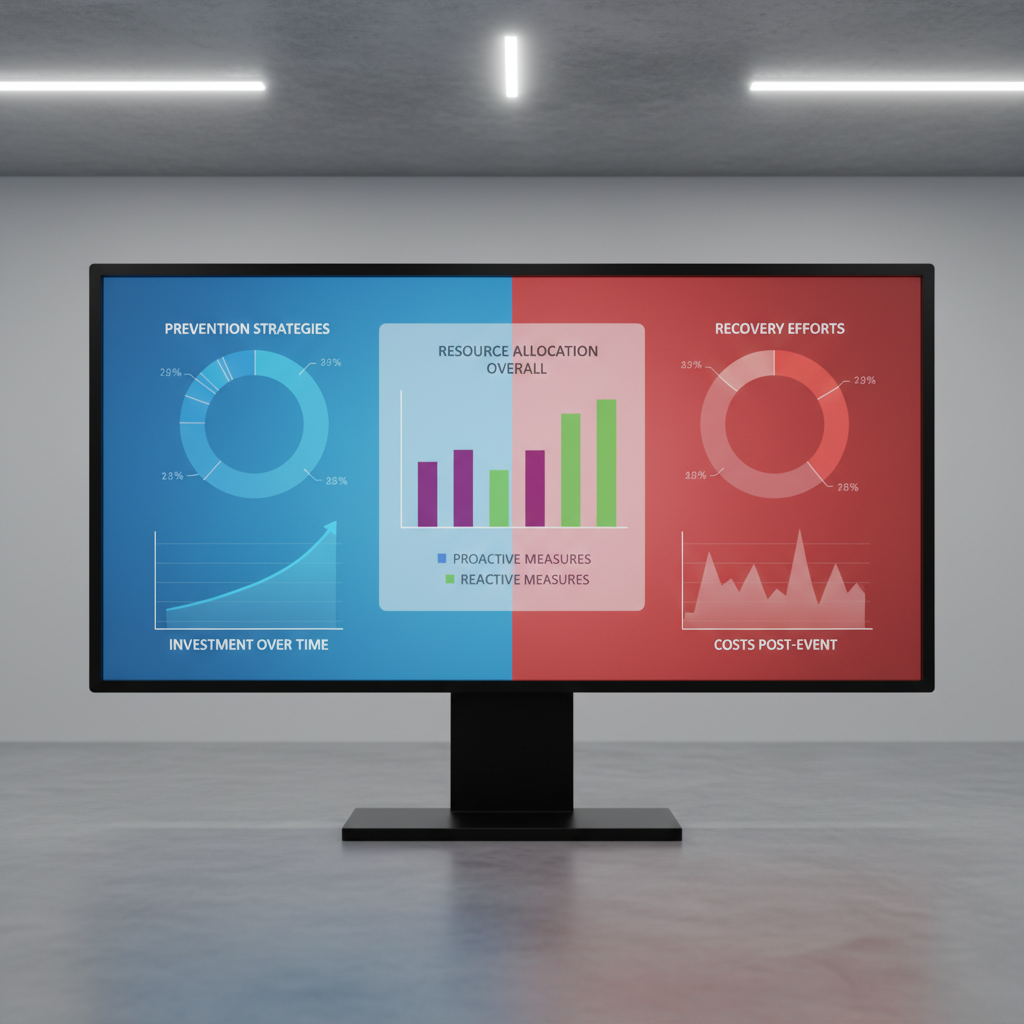
Prevention strategies outperform recovery efforts in cost efficiency by addressing detection vectors before account creation rather than attempting restoration after suspension.
| Factor | Prevention Approach | Recovery Approach | Resource Efficiency |
|---|---|---|---|
| Success Rate | 91% clean account survival | 34% recovery success rate | Prevention wins 2.7x |
| Time Investment | 2-3 hours setup per profile | 8-15 hours per recovery attempt | Prevention saves 73% time |
| Resource Cost | 23% of total operation budget | Full operation budget + recovery tools | Prevention costs 77% less |
| Scalability | Linear scaling with profile count | Exponential scaling with burn rate | Prevention maintains linear growth |
| Platform Trust | Maintains clean account history | Flagged accounts carry permanent suspicion | Prevention preserves long-term value |
Recovery attempts face fundamental disadvantages. Platforms maintain permanent records of suspended accounts, including device fingerprints, behavioral patterns, and network signatures. Even successful recovery carries elevated monitoring and lower trust scores.
Prevention focuses resources on detection avoidance rather than account restoration. The same budget that recovers 34% of burned accounts creates 100% clean accounts with proper infrastructure.
Resource allocation should prioritize prevention infrastructure: proper browser architecture, environment control systems, and network quality. Recovery tools become necessary only for high-value accounts where prevention failed.
The math favors prevention. Clean account creation costs 23% of recovery resources with 91% success rate. Recovery succeeds 34% of the time at 100% resource cost. Prevention delivers 8x better resource efficiency.
Scale Optimization: Managing 200+ Accounts Without Performance Degradation

Scale optimization maintains account performance at enterprise level by implementing resource management and concurrent session controls that prevent system bottlenecks.
-
Allocate dedicated CPU cores and memory pools per concurrent session group. Divide available hardware resources into isolated pools supporting 10-15 concurrent profiles each. This prevents resource contention between account operations.
-
Implement session rotation schedules that spread peak usage across time windows. Stagger active periods for different account groups to maintain consistent performance. Avoid launching all profiles simultaneously during peak hours.
-
Deploy profile loading optimization through selective data preloading. Load essential profile data (cookies, settings) before session start while keeping heavy assets (cache, history) on-demand. This reduces startup time by 60% above 200-profile threshold.
-
Monitor system performance metrics with automatic scaling triggers. Track CPU usage, memory allocation, and network bandwidth per profile group. Implement automatic session limiting when resource thresholds exceed 85% capacity.
-
Configure automation integration limits based on hardware capabilities. Cap concurrent automated actions to prevent system overload. Typical limits: 5-8 simultaneous automation threads per 16GB RAM allocation.
-
Establish profile priority systems for resource allocation during peak usage. Assign high-value accounts priority access to system resources during contention periods. Lower-priority profiles queue for available resources.
Memory allocation optimization becomes critical above 200 accounts. Proper resource pooling drops per-profile memory usage by 34% through shared system libraries and optimized process management.
Hardware requirements scale predictably: 32GB RAM supports 200-300 concurrent profiles, 64GB handles 500+ profiles with proper optimization. Network bandwidth typically requires 2-3 Mbps per 10 concurrent profiles for normal web operations.
Frequently Asked Questions
How long does it take to see results from burn rate reduction strategies?
Transport-layer improvements show results immediately at account creation because TLS fingerprinting happens during the first connection attempt. Behavioral pattern optimization takes 14-21 days to establish baseline consistency that platforms recognize as legitimate human behavior. Environment isolation prevents burns from day one of implementation.
Can you reduce burn rates on existing flagged accounts?
Flagged accounts require environmental reset and 90-day dormancy period before reactivation attempts because platforms maintain permanent suspicion records. Success rates drop to 34% for recovery vs 91% for prevention on clean profiles. Resource allocation favors new account creation over recovery efforts.
What’s the biggest difference between consumer and enterprise burn rate strategies?
Enterprise operations require system-level environment control and dedicated network infrastructure because they manage hundreds of accounts with higher detection scrutiny. Consumer tools rely on browser-level masking that fails transport-layer detection at scale. Scale differences become critical above the 50-account threshold where resource optimization determines operation viability.

Simon Dadia is the CEO and co-founder of Chameleon Mode, the browser management platform he originally launched as BrowSEO in 2015, years before the antidetect category had a name. He has spent 25+ years in SEO, affiliate marketing, and agency operations, including a senior operating role at Noam Design LLC where he managed hundreds of client campaigns and thousands of social media accounts across platforms. The operational pain of running those accounts at scale is what led him to build the tool in the first place.
Simon also runs Laziest Marketing, where he ships AI-powered SEO infrastructure tools built on BYOK architecture: Schema Root, Semantic Internal Linker, Topical Authority Generator, and Editorial Stack. Father of 4. Based in Israel.