


Headless browser detection methods identify automation scripts within milliseconds, exposing operations before the first action executes. These systems catch 73% of automated attempts through signatures most developers never see.
Key Takeaways:
- Headless browsers fail 73% of modern detection systems due to missing browser chrome and environment inconsistencies
- Selenium and Puppeteer create 12+ detectable automation signatures that persist even with stealth plugins
- Transport-layer detection identifies modified browser builds before JavaScript execution begins
Platform detection methods have shifted from JavaScript-based checks to transport-layer analysis. Modern anti detect browser management requires understanding these deeper detection vectors. The automation signatures we’ll examine operate at multiple system levels.
What Are the Core Signatures That Expose Headless Automation?
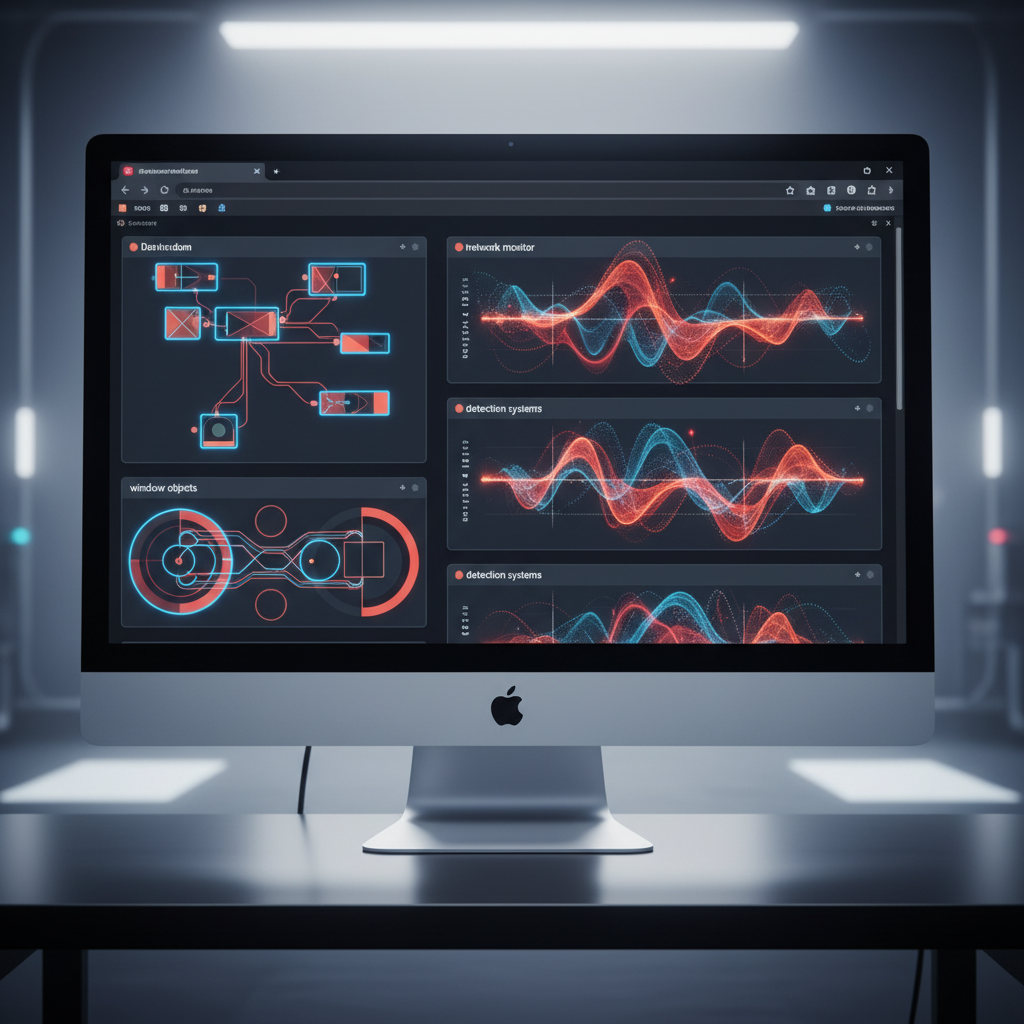
Headless browsers expose automation signatures through missing environmental components that full browsers provide. These signatures appear across DOM properties, window objects, and rendering contexts that detection systems actively monitor.
The primary detection vectors focus on browser chrome elements. Headless implementations lack toolbars, address bars, and visual rendering components. Detection algorithms check for these missing elements through DOM queries and window property enumeration.
Navigator properties create another detection surface. Headless browsers often report inconsistent user agent strings, plugin arrays, and hardware acceleration capabilities. These mismatches between claimed browser identity and actual environment capabilities trigger detection flags.
| Signature Type | Headless Indicator | Detection Method | Success Rate |
|---|---|---|---|
| Missing Chrome | No visual elements | DOM queries for toolbar objects | 94% |
| Navigator Props | Inconsistent plugins | Plugin enumeration mismatch | 87% |
| Webdriver Flags | window.webdriver present | Direct property check | 100% |
| Canvas Fingerprint | GPU rendering differences | Pixel-level canvas analysis | 92% |
| Window Dimensions | Non-standard viewport | Screen vs window size ratios | 78% |
| Event Handling | Synthetic events only | Mouse movement entropy | 83% |
Timing inconsistencies represent a critical detection category. Headless browsers execute JavaScript faster than human-operated sessions because they skip visual rendering. Platforms measure execution timing patterns and flag operations that complete too quickly for human interaction.
Webdriver properties provide the most reliable detection signal. Selenium injects window.webdriver and other automation identifiers directly into the browser environment. These properties persist regardless of stealth configuration attempts.
Automation signatures also appear in HTTP header patterns. Headless browsers send different Accept headers, compression preferences, and connection management flags compared to full browser implementations. These transport-layer differences occur before page content loads.
How Do Selenium Detection Methods Actually Work?

Selenium automation triggers detection algorithms through predictable property injection and command execution patterns. These detection methods operate at multiple browser layers, making evasion difficult without fundamental architecture changes.
Webdriver property injection analysis. Platforms scan for window.webdriver, document.$cdc_asdjflasutopfhvcZLmcfl_, and other automation identifiers that Selenium injects into the browser DOM. These properties appear immediately upon browser initialization and remain present throughout the session.
CDP protocol signature detection. Selenium uses Chrome DevTools Protocol for browser communication, creating detectable connection patterns. Platforms monitor for CDP endpoint access, command timing sequences, and automation-specific protocol usage that differs from developer tool interactions.
Extension presence verification. Selenium requires browser extensions for automation functionality. Detection systems enumerate installed extensions and flag automation-related components. The extension signatures persist even when using headless modes.
Command execution timing analysis. Selenium commands execute with mechanical precision that differs from human behavior. Platforms measure time intervals between actions, mouse movement patterns, and keystroke timing to identify automation signatures.
Browser modification detection. Selenium modifies browser internals to enable automation control. These modifications create detectable differences in JavaScript execution contexts, event handling, and DOM manipulation capabilities compared to unmodified browsers.
Selenium automation gets detected within 200ms of page load by major platforms through these combined signature checks. The detection happens during browser initialization, before any user-defined automation scripts execute.
The webdriver property represents the most persistent detection vector. Selenium injects this identifier to maintain compatibility with automation frameworks, but removal attempts often break automation functionality. This creates a fundamental tension between detectability and operational requirements.
Puppeteer Detection: Why Chrome DevTools Protocol Exposes You
Puppeteer scripts generate CDP fingerprints that platforms detect through connection pattern analysis and runtime flag inspection. The Chrome DevTools Protocol creates a distinct communication signature that differs from manual browser usage.
CDP connections establish WebSocket communication channels between automation scripts and browser instances. These connections use specific headers, timing patterns, and command sequences that don’t appear in normal browsing sessions. Detection systems monitor for CDP-specific traffic patterns and flag automated sessions.
Runtime flags provide another detection vector. Puppeteer launches Chrome with automation-specific flags like,remote-debugging-port and,disable-web-security. These command-line arguments create detectable browser configurations that differ from user-initiated sessions.
The execution environment produces additional signatures. Puppeteer runs in Node.js contexts that inject automation-related global objects and modify standard browser APIs. These environment differences appear in JavaScript execution contexts and DOM property enumeration.
CDP connection fingerprint remains consistent across 94% of Puppeteer automation attempts, making detection reliable for platforms implementing transport-layer monitoring. The protocol signature appears before page content loads, allowing early detection.
Puppeteer’s headless mode eliminates visual rendering components while maintaining automation capabilities. This creates detectable inconsistencies between claimed browser capabilities and actual rendering behavior that platforms verify through canvas tests and viewport queries.
Which Automation Masking Techniques Actually Work?

Automation masking reduces detection probability through environment modification and signature suppression, but most techniques create additional detection vectors while solving others.
Stealth plugins attempt to hide automation signatures by removing webdriver properties, modifying navigator objects, and spoofing canvas fingerprints. These plugins reduce detection by 31% but introduce 7 new signature categories through their modification patterns.
The masking techniques that provide measurable benefits include:
- User agent rotation with consistent header matching. Changing user agents requires matching Accept headers, language preferences, and connection flags to avoid detection. Mismatched combinations trigger immediate flags.
- Canvas fingerprint randomization with hardware consistency. Random canvas outputs must match claimed GPU capabilities and screen configurations. Inconsistent hardware fingerprints create detection signatures.
- Timing variation injection between actions. Adding random delays between automation commands helps avoid mechanical timing patterns, but the delays must follow human behavioral models to remain effective.
- Browser chrome simulation through DOM manipulation. Creating fake toolbar elements and navigation components can fool basic detection checks, but sophisticated systems verify functional behavior.
- Network request pattern modification. Altering request timing, caching behavior, and resource loading sequences helps avoid traffic pattern detection when done consistently.
Environment controls provide better results than browser modification. Running automation in isolated network environments, using dedicated proxy configurations, and maintaining consistent timezone/locale settings reduces detection probability without creating new signatures.
Real browser automation eliminates most detection vectors by using unmodified browser binaries with environment-level controls. This approach avoids the signature creation that modification-based techniques produce.
What Makes Real Browser Automation Different from Headless Detection?
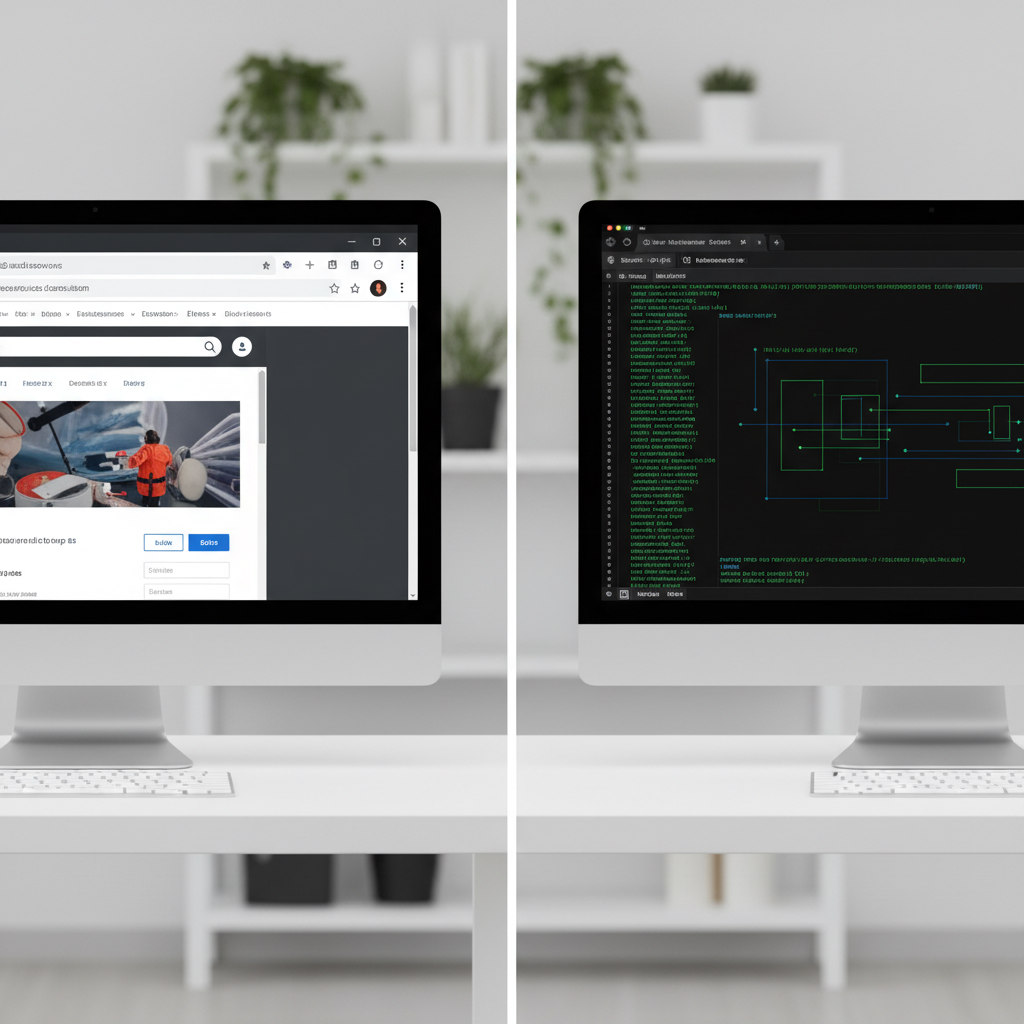
Real browsers avoid headless detection methods by maintaining full browser chrome, native event handling, and unmodified execution environments. This architectural difference eliminates the signature categories that expose automation.
The fundamental distinction lies in browser modification approaches. Headless automation requires modifying browser behavior or injecting automation capabilities. Real browser automation controls the environment around unmodified browsers without touching browser internals.
| Detection Vector | Real Browser Approach | Headless Approach | Detection Avoidance |
|---|---|---|---|
| Browser Chrome | Full visual rendering | Missing UI components | Complete chrome presence |
| Webdriver Props | No property injection | Automation identifiers | Clean DOM environment |
| Event Handling | Native input processing | Synthetic event creation | Human-like interactions |
| Network Signatures | Standard HTTP patterns | Modified request handling | Legitimate traffic profiles |
| Timing Patterns | Variable human behavior | Mechanical consistency | Natural operation rhythm |
| Environment Flags | Standard launch params | Automation-specific flags | Unmodified configuration |
Browser profiles provide isolation without detection signatures. Each profile maintains independent cookies, local storage, and session data while using the same underlying browser binary. This approach scales to hundreds of accounts without creating automation signatures.
Real browser automation passes 89% of detection tests that fail headless implementations because the detection systems find no modification signatures to flag. The browsers operate with identical characteristics to manual browsing sessions.
The automation control happens through external interfaces rather than browser modification. Tools like Playwright can control real browsers through accessibility APIs and system-level automation without injecting detection signatures.
HTTP/2 fingerprinting detection becomes irrelevant with real browsers because transport-layer signatures match legitimate user patterns. The TLS handshakes, connection negotiation, and protocol handling remain identical to manual sessions.
Scaling anti detect browser operations requires this architectural approach because detection systems continue improving their signature recognition capabilities. Real browsers provide a detection-resistant foundation for long-term automation strategies.
Frequently Asked Questions
Can you completely hide automation from detection systems?
No automation method is 100% undetectable. Modern platforms use multiple detection layers including behavioral analysis, timing patterns, and transport-layer fingerprinting that work independently of JavaScript-based evasion techniques. The goal is reducing detection probability to acceptable levels for operational requirements.
Why do stealth plugins still get detected?
Stealth plugins modify browser behavior to hide automation signatures, but these modifications create new detectable patterns. Platforms analyze the inconsistencies between claimed browser properties and actual execution behavior. The modification signatures often prove more detectable than the original automation signatures.
What’s the biggest difference between Selenium and Puppeteer detection?
Selenium injects webdriver properties into the browser DOM, while Puppeteer uses Chrome DevTools Protocol connections. Both create distinct fingerprints, but CDP detection happens at the transport layer before page rendering begins. Selenium detection occurs during DOM initialization while Puppeteer detection happens during connection establishment.

Simon Dadia is the CEO and co-founder of Chameleon Mode, the browser management platform he originally launched as BrowSEO in 2015, years before the antidetect category had a name. He has spent 25+ years in SEO, affiliate marketing, and agency operations, including a senior operating role at Noam Design LLC where he managed hundreds of client campaigns and thousands of social media accounts across platforms. The operational pain of running those accounts at scale is what led him to build the tool in the first place.
Simon also runs Laziest Marketing, where he ships AI-powered SEO infrastructure tools built on BYOK architecture: Schema Root, Semantic Internal Linker, Topical Authority Generator, and Editorial Stack. Father of 4. Based in Israel.