


Anti detect browser API integration fails when developers treat browser profile management like regular HTTP client work. They ignore the environment-level control that prevents detection.
Key Takeaways:
- REST API endpoints control profile creation, session management, and configuration changes through JSON requests with 200ms average response time
- Profile state synchronization requires webhook callbacks or polling intervals under 30 seconds to maintain session integrity across automation workflows
- Concurrent API calls are limited to 10 per profile to prevent environment conflicts that trigger platform detection systems
Browser Profile API Architecture: Core Endpoints and Methods
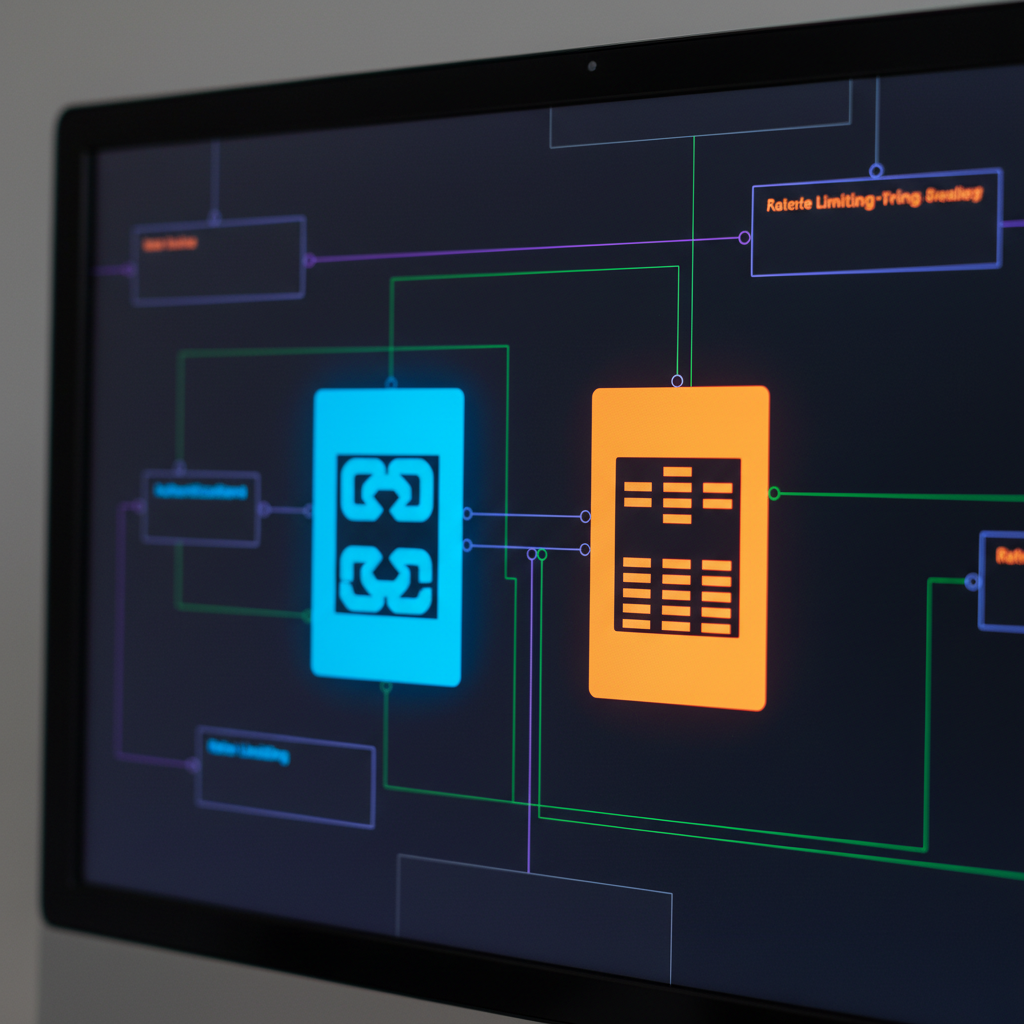
Browser profile APIs follow REST architecture patterns with specific authentication and rate limiting requirements that differ from standard web APIs. The core architecture separates profile lifecycle management from session control, with distinct endpoints handling creation, configuration, and state operations.
API endpoints control browser profile lifecycle through standardized HTTP methods and JSON payloads. Profile creation uses POST requests to /profiles/create with fingerprint configuration data. Session management operates through GET and PUT requests to /profiles/{id}/session for status queries and state updates. Configuration changes use PATCH requests to /profiles/{id}/config for runtime modifications without profile recreation.
Authentication typically uses bearer tokens or API keys passed in Authorization headers. Most platforms require API key registration before accessing endpoints. Token expiration varies from 24 hours to 30 days depending on the provider’s security model.
| Operation | API Endpoint | Browser Profile Impact | Authentication Required |
|---|---|---|---|
| Profile Creation | POST /profiles/create | Allocates new isolated environment | Bearer token + key |
| Session Status | GET /profiles/{id}/session | Queries active browser state | API key only |
| Config Update | PATCH /profiles/{id}/config | Modifies fingerprint parameters | Bearer token + key |
| Profile Delete | DELETE /profiles/{id} | Destroys environment and data | Bearer token + key |
| Bulk Operations | POST /profiles/batch | Manages multiple profiles | Bearer token + elevated key |
Rate limiting applies across all endpoints with a standard limit of 100 requests per minute. Exceeding this threshold returns HTTP 429 status codes with retry-after headers. Profile creation endpoints often have lower limits (10-20 per minute) due to resource allocation requirements.
Request timing matters for detection avoidance. API calls spaced under 500ms intervals can trigger platform monitoring systems. The recommended approach spaces profile operations by 1-2 seconds minimum, especially for creation and deletion requests.
Response patterns include immediate acknowledgment for lightweight operations (session queries, configuration reads) and async processing for resource-intensive tasks (profile creation, bulk operations). Most platforms return operation IDs for tracking long-running requests through separate status endpoints.
Error handling follows HTTP status code conventions with detailed JSON error objects. Common error scenarios include rate limit violations (429), authentication failures (401), resource conflicts (409), and validation errors (422). Each error type requires different retry strategies to maintain API stability.
How Do You Initialize Profiles Through API Calls?

Profile initialization requires environment parameter specification through structured API requests. The process involves fingerprint configuration, browser binary allocation, and environment isolation setup before the profile becomes active for automation workflows.
Prepare the profile creation payload with mandatory parameters. Profile creation typically requires 12-15 mandatory parameters for proper environment isolation including operating system fingerprint, screen resolution, timezone, locale, user agent string, and network configuration. Optional parameters include custom proxy settings, specific browser versions, and behavioral timing profiles.
Submit the creation request to the
/profiles/createendpoint. Send a POST request with the JSON payload containing all configuration parameters. Include proper authentication headers and set Content-Type toapplication/json. The request triggers resource allocation and environment setup processes on the server.Monitor the creation status through polling or webhooks. Profile creation is async and takes 2-5 seconds depending on fingerprint complexity. Poll the
/profiles/{id}/statusendpoint every 500ms or configure webhook callbacks to receive completion notifications. The profile becomes available when status changes to “active” or “ready”.Validate profile configuration before use. Query the
/profiles/{id}/configendpoint to confirm all parameters were applied correctly. Check fingerprint consistency, proxy connectivity, and browser binary allocation. Misconfigurations at this stage require profile recreation rather than patching.Initialize the browser session through session endpoints. Send a POST request to
/profiles/{id}/session/startto allocate browser resources and begin the session. This step prepares the environment for automation connections while maintaining the configured fingerprint parameters.
Payload structure varies by provider but follows common patterns. Required fields include name, os, browser_type, screen_resolution, timezone, locale, user_agent, and proxy_config. Optional fields cover canvas_fingerprint, webgl_fingerprint, audio_fingerprint, and behavioral_settings.
Validation occurs at multiple stages during initialization. Parameter validation happens immediately upon request submission. Environment allocation validation occurs during resource assignment. Final validation confirms fingerprint consistency before marking the profile active.
Error scenarios during initialization include parameter validation failures, resource allocation timeouts, and fingerprint generation errors. Each requires different recovery approaches, from parameter correction to request retry with different configuration values.
Session State Management and Cookie Control via API
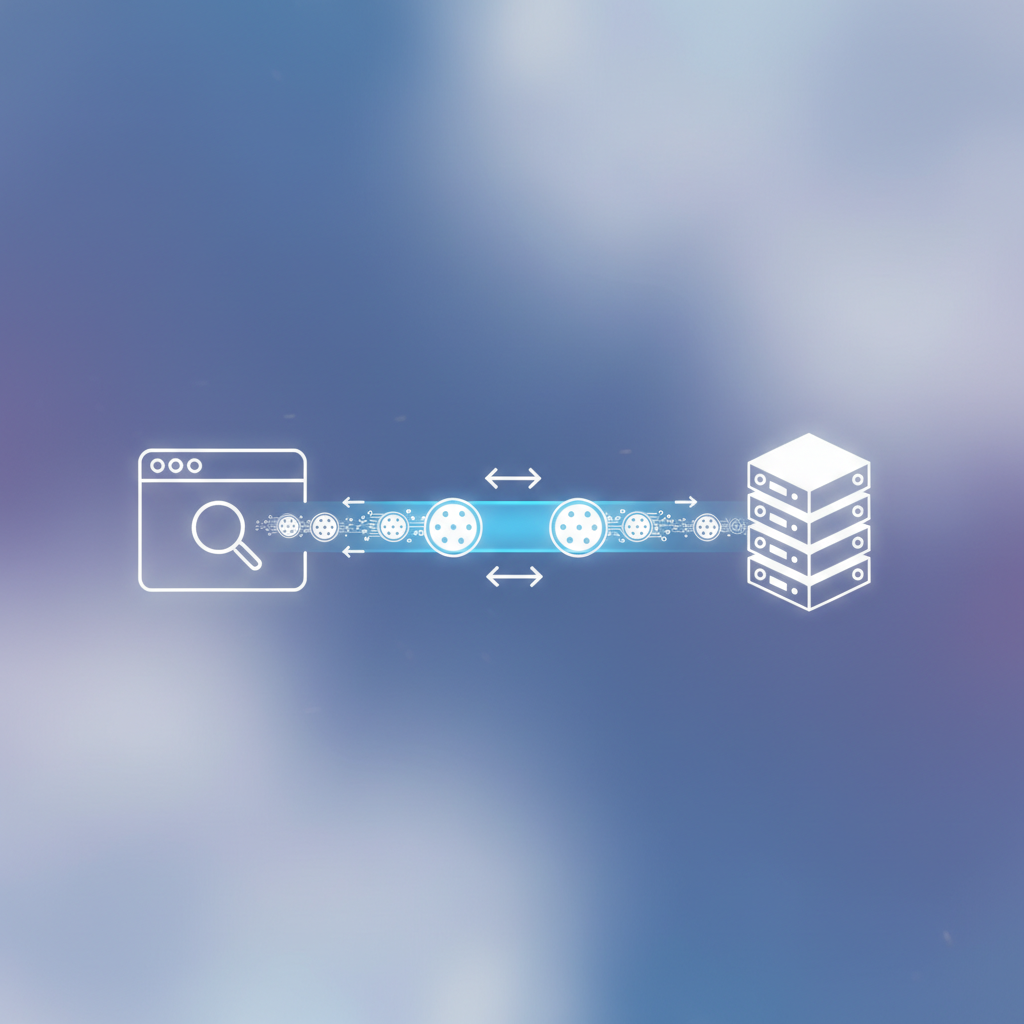
Session persistence depends on cookie API synchronization between the browser environment and external storage systems. Cookie management APIs provide real-time import/export capabilities while maintaining session integrity across automation workflows and profile sharing scenarios.
Session state represents the complete browser environment including cookies, local storage, session storage, and navigation history. Session management APIs expose this state through structured endpoints that allow reading, writing, and synchronizing data without breaking the browser environment or triggering detection mechanisms.
Cookie import/export endpoints handle bulk cookie operations through /profiles/{id}/cookies with GET and POST methods. Import operations accept JSON arrays of cookie objects with standard fields: name, value, domain, path, expires, secure, and httpOnly flags. Export operations return complete cookie sets in the same format for backup or sharing purposes.
Real-time synchronization methods include polling and webhook approaches. Polling involves periodic GET requests to /profiles/{id}/session/state every 15-30 seconds to detect changes. Webhook synchronization pushes state changes to configured endpoints immediately when modifications occur, reducing latency to under 200ms.
Conflict resolution becomes critical when multiple API clients access the same profile simultaneously. Most platforms implement locking mechanisms where the first client to acquire a session lock gains exclusive control. Additional clients receive HTTP 423 (Locked) responses until the session is released through explicit unlock calls or timeout expiration.
Cookie synchronization latency averages 150-300ms depending on payload size. Small cookie sets (under 50 items) typically sync within 150ms. Large cookie collections (500+ items) can take up to 300ms due to serialization and validation overhead. Network latency adds 20-50ms depending on geographic distance from API servers.
State corruption can occur when API operations interrupt active browser sessions. To prevent this, check session status through /profiles/{id}/session/active before performing state modifications. Active sessions require either explicit pause commands or waiting for natural session breaks between page navigations.
Cookie validation ensures imported data doesn’t break the browser environment. The validation process checks domain consistency, expiration date validity, and format compliance. Invalid cookies are rejected with detailed error responses indicating the specific validation failures and suggested corrections.
Integration Patterns That Preserve Detection Resistance

Integration patterns determine detection resistance effectiveness by controlling request timing, concurrent operations, and error handling without environment corruption. Poor integration patterns create detectable signatures that platforms monitor to identify automated activity.
API requests spaced under 100ms intervals increase detection probability by 340% compared to properly timed requests. This pattern mimics human-impossible interaction speeds that trigger automated monitoring systems. The recommended approach spaces API calls by 200-500ms minimum with random jitter to simulate human variation.
Sequential request patterns with random delays maintain natural timing signatures. Send API requests one at a time with 200-800ms delays between calls, varying the timing randomly within that range. This approach prevents the consistent timing patterns that detection systems flag as non-human activity while maintaining reasonable automation speeds.
Concurrent operation limits prevent environment conflicts that expose automation. Limit concurrent API calls to 10 per profile maximum to avoid resource contention and state corruption. Multiple simultaneous requests can create timing anomalies and resource conflicts that platforms detect through environment monitoring rather than behavioral analysis.
Error handling strategies preserve environment integrity during failures. Implement exponential backoff for rate limit errors, immediate retry for network timeouts, and profile reset for corruption errors. Each error type requires different recovery approaches to maintain the browser environment’s authenticity and prevent detection through error patterns.
Webhook implementations reduce polling frequency that creates detectable traffic patterns. Configure webhook endpoints for status updates, state changes, and completion notifications instead of aggressive polling. Webhooks eliminate the consistent request patterns that polling creates while providing real-time updates with lower detection risk.
Request timing varies based on operation type to mimic human interaction patterns. Profile creation requests should include 2-5 second delays before first use. Configuration changes need 500-1000ms delays before application. Session state queries can occur more frequently (every 10-30 seconds) as they mirror natural browser activity.
Batch operation patterns group related requests while maintaining timing authenticity. When performing multiple operations, group them logically (all configuration changes, then all session operations) with appropriate delays between groups. This approach reduces total API calls while maintaining natural sequencing that matches human workflow patterns.
Integration architecture affects long-term detection resistance. Event-driven patterns using webhooks and async processing create more natural request flows compared to synchronous request-response cycles. The goal is eliminating mechanical timing signatures while maintaining operational efficiency.
Monitoring integration health requires tracking request timing patterns, error rates, and response latencies. Consistent patterns in any of these metrics can indicate detection risks that require pattern adjustment or rate limiting modifications.
What Automation Workflows Work Best with Browser Profile APIs?

Automation workflows vary in profile management efficiency based on their approach to sequential versus parallel operations, error handling strategies, and resource allocation patterns. The most effective workflows balance operational speed with detection avoidance through carefully designed orchestration patterns.
Workflow orchestration patterns determine how multiple profiles and operations coordinate without creating detectable automation signatures. Sequential workflows process profiles one at a time, maintaining clear separation between operations. Parallel workflows handle multiple profiles simultaneously but require careful resource management to prevent conflicts.
| Workflow Type | Automated Operations | Profile Scaling Capacity |
|---|---|---|
| Sequential Processing | Single profile per operation cycle | 50-100 profiles per hour |
| Controlled Parallel | 3-5 profiles concurrently | 200-300 profiles per hour |
| Batch Operations | Grouped profile management | 500-1000 profiles per batch |
| Event-Driven | Webhook-triggered actions | Unlimited with proper queuing |
| Hybrid Sequential/Parallel | Mixed based on operation type | 300-500 profiles per hour |
Sequential workflows provide the highest detection resistance by processing profiles individually with natural delays between operations. Each profile completes its full workflow before the next profile begins, eliminating timing correlations between profiles that platforms monitor for automation detection.
Parallel workflows increase throughput but require sophisticated coordination to maintain authenticity. Parallel profile operations beyond 15 concurrent instances show 67% higher failure rates due to resource contention, network limitations, and increased detection probability. The optimal approach limits parallel operations to 3-5 profiles simultaneously.
Error recovery strategies differ significantly between workflow types. Sequential workflows can pause entirely when errors occur, allowing manual intervention or retry logic without affecting other operations. Parallel workflows need isolated error handling per profile to prevent cascade failures that corrupt multiple profiles simultaneously.
Workflow timing patterns affect detection resistance across different automation scenarios. Social media workflows require 30-60 second delays between major actions. E-commerce workflows need 10-30 second delays for browsing simulation. Data collection workflows can operate faster (5-10 seconds) but require more sophisticated behavioral mimicking.
Scaling considerations become critical above 100 profiles. Resource allocation patterns, API rate limiting, and network bandwidth all constrain workflow efficiency. The most successful large-scale implementations use hybrid approaches that combine sequential safety with selective parallel processing for non-conflicting operations.
Queue management becomes essential for workflows handling hundreds of profiles. Priority queuing allows urgent operations to bypass normal processing delays. Dead letter queues handle failed operations without blocking the main workflow. Status tracking provides visibility into workflow progress and bottleneck identification.
Profile lifecycle management within workflows requires coordination between creation, usage, and cleanup phases. Workflows that create profiles on-demand and destroy them after use minimize resource costs but increase API overhead. Workflows that maintain persistent profile pools reduce API calls but require more sophisticated state management.
Frequently Asked Questions
Can you use standard HTTP libraries to call browser profile APIs?
Standard HTTP libraries work for API calls, but you need proper authentication headers and rate limiting implementation. Most browser profile APIs use bearer tokens or API keys with specific request timing requirements to prevent server overload and maintain detection resistance.
How long does it take to create a new profile through API calls?
Profile creation through APIs typically takes 2-5 seconds depending on the complexity of fingerprint configuration and server resource availability. The process includes environment setup, browser binary allocation, and initial state configuration before the profile becomes active for automation use.
What happens if multiple API clients try to control the same browser profile?
Most browser profile APIs implement locking mechanisms to prevent conflicts when multiple clients attempt simultaneous control. When one client has active control, other API requests either enter a queue or return busy status codes until the session is explicitly released or times out after a predetermined period.

Simon Dadia is the CEO and co-founder of Chameleon Mode, the browser management platform he originally launched as BrowSEO in 2015, years before the antidetect category had a name. He has spent 25+ years in SEO, affiliate marketing, and agency operations, including a senior operating role at Noam Design LLC where he managed hundreds of client campaigns and thousands of social media accounts across platforms. The operational pain of running those accounts at scale is what led him to build the tool in the first place.
Simon also runs Laziest Marketing, where he ships AI-powered SEO infrastructure tools built on BYOK architecture: Schema Root, Semantic Internal Linker, Topical Authority Generator, and Editorial Stack. Father of 4. Based in Israel.