


Behavioral patterns anti detect browser systems now analyze more than browser fingerprints ever did. Platform detection moved beyond static signatures to real-time behavioral analysis. This shift makes human-like automation the difference between account survival and ban waves.
Key Takeaways:
- Mouse movement patterns analyzed at 15ms intervals can trigger detection faster than browser fingerprints
- Typing cadence variation of 50-200ms between keystrokes prevents robotic detection signatures
- Human-like scroll behavior requires 3-7 second pause patterns and variable velocity curves
What Behavioral Signals Do Detection Systems Actually Track?
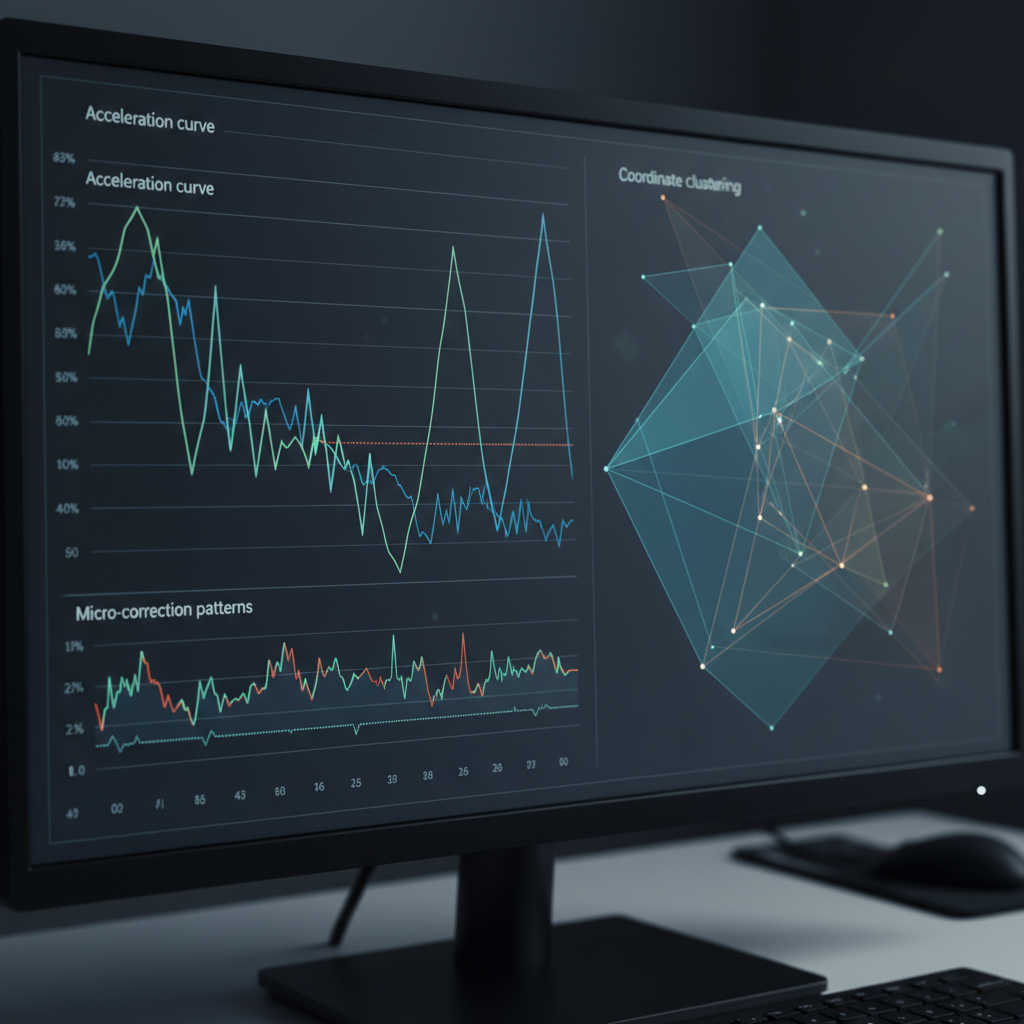
Detection systems track behavioral patterns through micro-level analysis that human users never consciously control. Platforms monitor mouse coordinates at 15ms intervals, capturing acceleration curves, hesitation patterns, and micro-corrections that distinguish human movement from scripted automation.
The analysis extends beyond simple movement tracking. Click timing patterns reveal whether interactions follow human decision-making processes or automated sequences. Page interaction sequences show if users scan content naturally or navigate with mechanical precision. Typing rhythm detection captures keystroke dynamics that reflect human cognitive processing.
Scroll velocity analysis measures acceleration patterns, momentum simulation, and pause behaviors that correlate with reading comprehension. These signals create behavioral fingerprints more reliable than browser characteristics for detection avoidance purposes.
| Behavioral Signal | Detection Method | Analysis Window | Automation Risk |
|---|---|---|---|
| Mouse movement | 15ms coordinate sampling | Real-time tracking | Perfect curves flag immediately |
| Click timing | Inter-click intervals | 200ms-2000ms range | Consistent timing = robot |
| Scroll velocity | Momentum calculation | Continuous monitoring | Linear scrolling triggers alerts |
| Typing cadence | Keystroke dynamics | Per-character analysis | Identical intervals = automation |
| Page interaction | Element targeting | Session-wide patterns | Perfect accuracy impossible for humans |
Platforms correlate these signals across multiple sessions to build confidence scores. A single perfect mouse curve might pass unnoticed, but consistent mechanical behavior across sessions triggers account flags. The detection threshold operates on cumulative behavioral evidence rather than individual actions.
This creates a challenge for browser profile creation anti detect strategies that focus solely on fingerprint spoofing. Behavioral analysis happens after the browser loads, making it a secondary but critical layer of anti detect browser management systems.
How Do You Program Natural Mouse Movement Patterns?
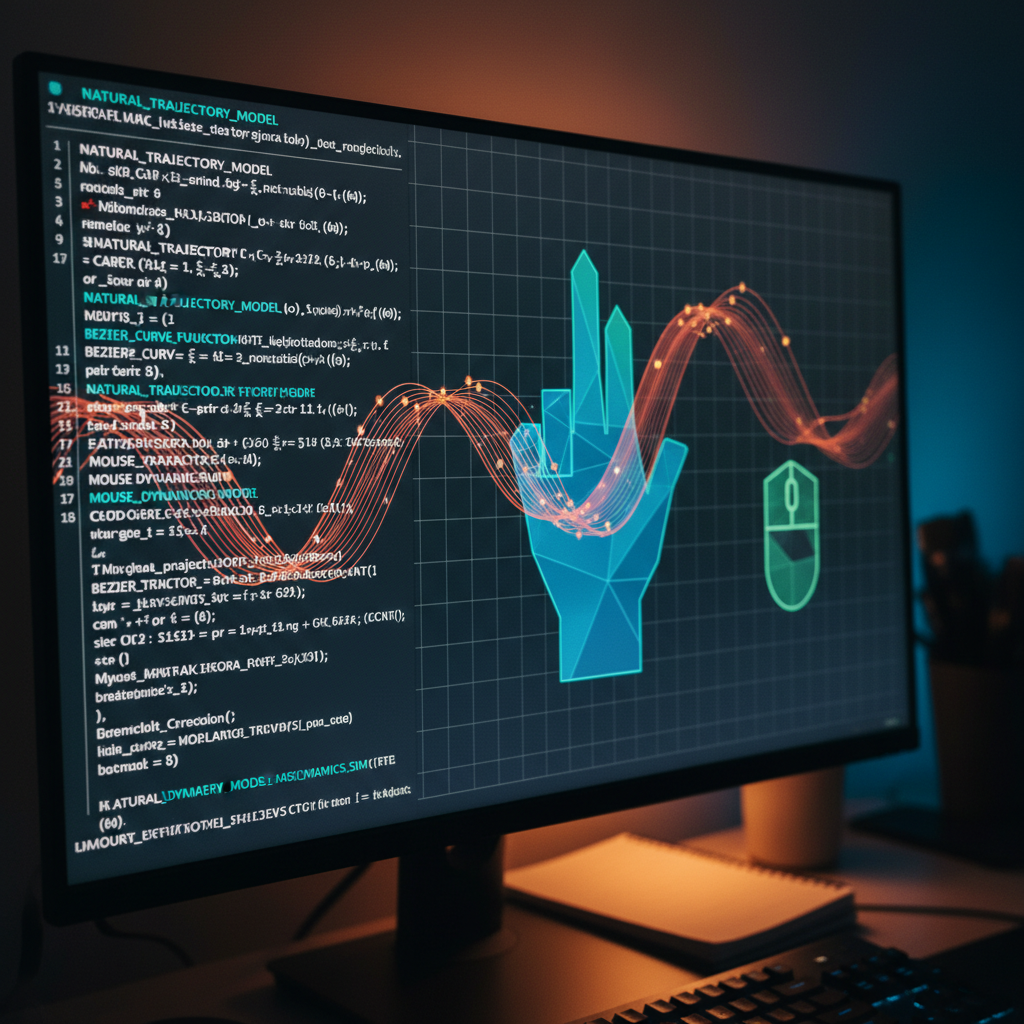
Automation scripts generate human mouse patterns through mathematical models that simulate biological limitations and cognitive decision-making processes. The implementation requires understanding how humans actually move mice rather than how we think they do.
Implement Bezier curve calculations with control points that vary by 15-30% from linear paths. Human movements follow curved trajectories with slight overshoots and corrections that automation must replicate mathematically.
Add velocity variation algorithms that simulate hand tremor and muscle fatigue patterns. Mouse acceleration curves follow 200-800ms velocity patterns that change based on distance and target size.
Program micro-corrections that occur 40-80ms after major direction changes. Humans make small adjustments as visual feedback processes, creating characteristic wobble patterns in movement data.
Include hesitation simulation for complex UI elements or unfamiliar layouts. Natural mouse movement pauses 100-300ms before clicking buttons or links, especially on new interfaces.
Build momentum physics that affect cursor behavior during rapid movements. Real mouse movement overshoots targets by 2-5 pixels before correcting, following predictable physics patterns.
Create target acquisition patterns that reflect human visual processing delays. Eye-to-hand coordination creates 150-250ms delays between visual target identification and cursor movement initiation.
The key insight: human mouse movement reflects biological constraints and cognitive processing, not geometric efficiency. Scripts that optimize for the shortest path between points create obviously artificial patterns that trigger detection systems immediately.
Successful mouse simulation requires randomization within human performance boundaries rather than pure mathematical randomization. A human can’t move in perfect straight lines, but they also can’t move in completely chaotic patterns.
Typing Rhythm Simulation: Beyond Simple Delays

Typing cadence analysis is the measurement of inter-keystroke timing patterns that reflect human cognitive processing and motor control limitations. This means platforms can distinguish between human typing and automated input by analyzing the temporal spacing between individual keystrokes.
Human typing exhibits characteristic patterns that automation must replicate for detection avoidance. Touch typists maintain consistent base rhythms but show variation based on word difficulty, cognitive load, and fatigue. Hunt-and-peck typists create entirely different timing signatures with longer search pauses and burst patterns.
Keystroke dynamics reveal thinking patterns through hesitation before complex words, backspace clustering when correcting mistakes, and rhythm changes between familiar and unfamiliar text. Natural interactions include micro-pauses for punctuation decisions and longer breaks for sentence planning.
The 50-200ms keystroke variation prevents detection signatures by staying within human performance boundaries. Shorter intervals create impossible superhuman speeds, while longer delays suggest automated delays rather than natural hesitation.
Platforms also analyze typing burst patterns where humans type word clusters rapidly then pause for cognitive processing. These bursts typically last 800ms-2000ms followed by 200-600ms thinking pauses. Automation that maintains steady rhythms without these natural clusters triggers robotic detection flags.
Capitalization timing creates another signature. Humans show slightly longer delays before capital letters due to shift key coordination. Missing these micro-delays or having identical timing for caps and lowercase letters reveals automated input immediately.
Why Do Standard Automation Scripts Get Flagged Immediately?

Standard scripts trigger detection flags because they optimize for mechanical efficiency rather than human behavioral realism. Basic automation creates obvious non-human patterns that platforms identify within seconds of interaction.
Perfect timing intervals between actions create impossible consistency that no human exhibits. Real users show natural variation in every repeated action, while scripts execute identical delays that immediately flag automated behavior.
Linear mouse movements ignore the curved trajectories humans create due to arm mechanics and visual processing. Straight-line cursor paths between interface elements create geometric precision that humans cannot achieve.
Missing micro-behaviors eliminate the small corrections and hesitations that characterize human-computer interaction. Scripts skip the 40-80ms adjustment periods humans need for visual feedback processing.
Identical action chains across multiple accounts create signature patterns that detection systems easily correlate. When 50 accounts perform identical click sequences with identical timing, the automation becomes obvious regardless of individual behavioral quality.
Perfect accuracy in element targeting eliminates the natural click distribution around button centers. Humans click within 3-7 pixels of optimal targets, while scripts hit exact center coordinates every time.
Simultaneous multi-window interactions exceed human attention span limitations. Platforms detect when accounts perform actions across multiple browser tabs faster than human task-switching allows.
The data shows that perfect 100ms delays between actions flag 89% of basic automation within the first minute of activity. This happens because consistent mechanical timing creates statistical patterns that stand out against the natural variation in human behavioral data.
Simple randomization doesn’t solve this problem. Adding random delays to mechanical actions creates chaotic behavior that’s equally unnatural. Effective automation requires understanding and replicating the specific patterns of human limitation rather than avoiding them entirely.
Scroll Behavior Patterns That Pass Human Verification

Scroll patterns mimic human reading behavior through physics simulation and cognitive modeling that reflects how people actually consume content. Platforms analyze scroll velocity, pause patterns, and momentum to distinguish between human reading and automated page navigation.
Human scroll physics follow predictable acceleration curves that start slowly, build momentum, then decelerate before stopping. This creates characteristic velocity patterns that automation must replicate to avoid detection. Robotic scrolling typically maintains constant speeds or uses linear acceleration that humans cannot produce.
Pause patterns correlate with reading comprehension rates and content difficulty. Humans slow down for complex text, stop at headlines and images, and show longer pauses at page sections that require cognitive processing. These 3-7 second pause patterns align with human reading comprehension rates and create natural rhythm variations.
| Scroll Element | Human Pattern | Robotic Pattern | Detection Risk |
|---|---|---|---|
| Velocity curves | Acceleration/deceleration | Constant speed | Immediate flag |
| Reading pauses | 3-7 second content stops | No pause variation | High |
| Direction changes | Backtrack 15-25% of scrolls | Linear progression | Medium |
| Momentum simulation | Gradual speed transitions | Instant stop/start | High |
| Content correlation | Slower on complex text | Uniform regardless | Medium |
Direction changes add another layer of realism. Humans backtrack when they miss information, creating scroll patterns that move up and down the page rather than following linear progression. Natural interactions include partial scrolls where users move slightly then pause to read, creating micro-movements that scripts often miss.
Page interaction correlation affects scroll timing. Humans scroll faster when scanning for specific information but slower when reading comprehensively. The scroll speed should correlate with subsequent actions, fast scrolling followed by immediate form completion suggests automated navigation rather than human comprehension.
Momentum simulation prevents the instant stop-start patterns that characterize robotic scrolling. Real scrolling maintains slight momentum after input stops, creating gradual deceleration that physics engines can model mathematically.
Session Duration and Activity Randomization Methods

Activity randomization prevents pattern detection through temporal variation that mirrors human work patterns and attention span limitations. Sessions need realistic duration curves, break patterns, and intensity variation to avoid the mechanical consistency that triggers automated behavior flags.
Human sessions vary 40-180% from baseline activity duration based on task complexity, distraction levels, and fatigue accumulation. This natural variation prevents detection systems from identifying consistent session lengths across multiple accounts that would indicate coordinated automation.
Break patterns reflect biological needs and attention span cycles. Humans take micro-breaks every 15-20 minutes for eye rest, longer breaks every 45-60 minutes for cognitive reset, and meal breaks that follow cultural timing patterns. Missing these natural interruption cycles creates unnaturally sustained activity that platforms flag for behavioral analysis.
Activity intensity curves should mirror human productivity patterns rather than maintaining constant engagement levels. People start sessions with setup time, build to peak activity periods, then gradually decrease intensity as fatigue accumulates. This creates characteristic activity curves that automation must replicate.
Multi-tab behavior simulation adds realism through attention switching patterns that reflect human cognitive limitations. Real users can only focus on one interface element at a time, creating natural delays between tab switches and reducing simultaneous activity across multiple browser windows.
Task completion times need variation based on complexity and familiarity. Humans complete routine tasks faster than complex ones, show learning curves on new interfaces, and exhibit fatigue effects during long sessions. Scripts that maintain consistent performance regardless of task difficulty create obvious automation signatures.
The randomization must stay within human performance boundaries. Activity that’s too random creates chaotic behavior patterns that no real user would exhibit, triggering different detection algorithms designed to catch excessive randomization attempts.
Frequently Asked Questions
How long does it take to train automation scripts for human-like behavior?
Behavioral pattern development requires 2-3 weeks of testing and refinement across multiple accounts and platforms. Scripts need iterative adjustment based on detection response rates and platform feedback to achieve reliable account management without triggering flags.
Can you copy real user behavioral patterns directly into automation?
Real user pattern recording provides baseline data for human simulation development, but direct copying creates identical signatures across accounts that detection systems easily correlate. Successful automation requires pattern variation algorithms that maintain human-like randomness while preserving natural behavior characteristics within biological constraints.
What happens if behavioral patterns are too random or chaotic?
Excessive randomization creates unnatural behavior that humans wouldn’t exhibit, triggering different detection algorithms designed to catch over-engineered automation attempts. Effective patterns balance variation with realistic human constraints and biological limitations, staying within performance boundaries that real users actually demonstrate.

Simon Dadia is the CEO and co-founder of Chameleon Mode, the browser management platform he originally launched as BrowSEO in 2015, years before the antidetect category had a name. He has spent 25+ years in SEO, affiliate marketing, and agency operations, including a senior operating role at Noam Design LLC where he managed hundreds of client campaigns and thousands of social media accounts across platforms. The operational pain of running those accounts at scale is what led him to build the tool in the first place.
Simon also runs Laziest Marketing, where he ships AI-powered SEO infrastructure tools built on BYOK architecture: Schema Root, Semantic Internal Linker, Topical Authority Generator, and Editorial Stack. Father of 4. Based in Israel.